Business Process Automation for Human Resources in Jira
In short: HR processes such as onboarding, offboarding, recruiting, and performance reviews involve several teams (HR, the hiring manager, IT, facilities) and many hand-offs. With Flower, HR models these processes in BPMN and runs them in Jira. Every activity becomes a Jira work item, swimlanes assign the work to the right team, and approvals, timers, and reminders keep the process on track.
Last updated: October 2026
Why HR Processes Need More Than a Jira Workflow
A Jira workflow moves a single work item (formerly called an issue) through a series of statuses. An HR process is bigger: it spans many work items, several teams, and often weeks. Onboarding a new employee, for example, needs a contract from HR, a laptop and accounts from IT, an access card from facilities, and a first-week plan from the manager. Some of these steps can run in parallel, others must wait for each other.
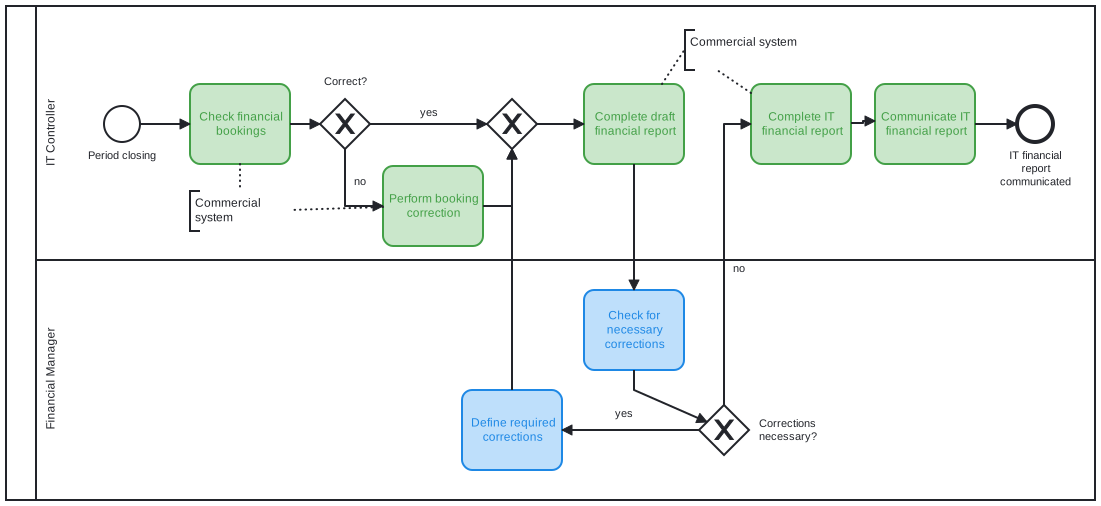
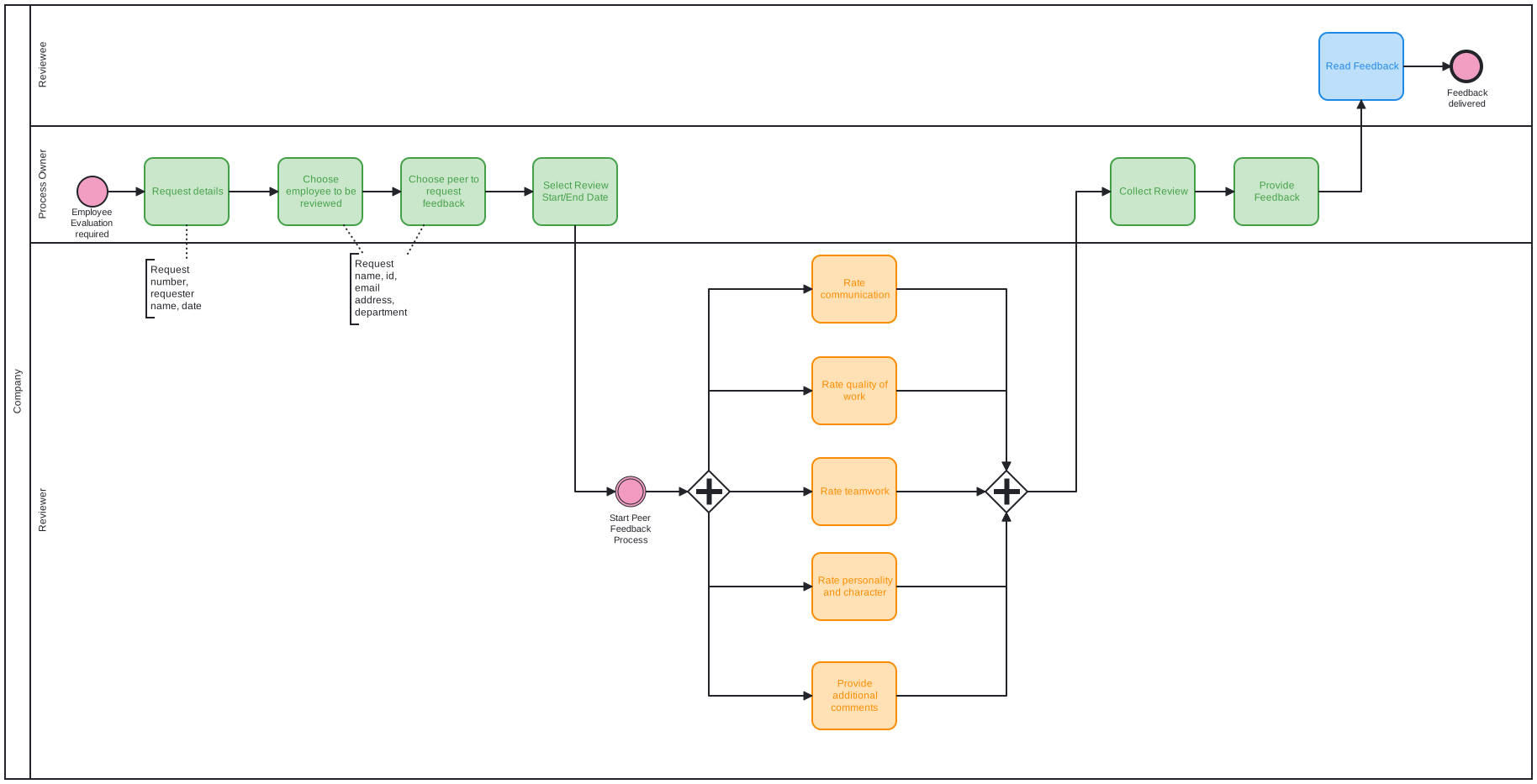
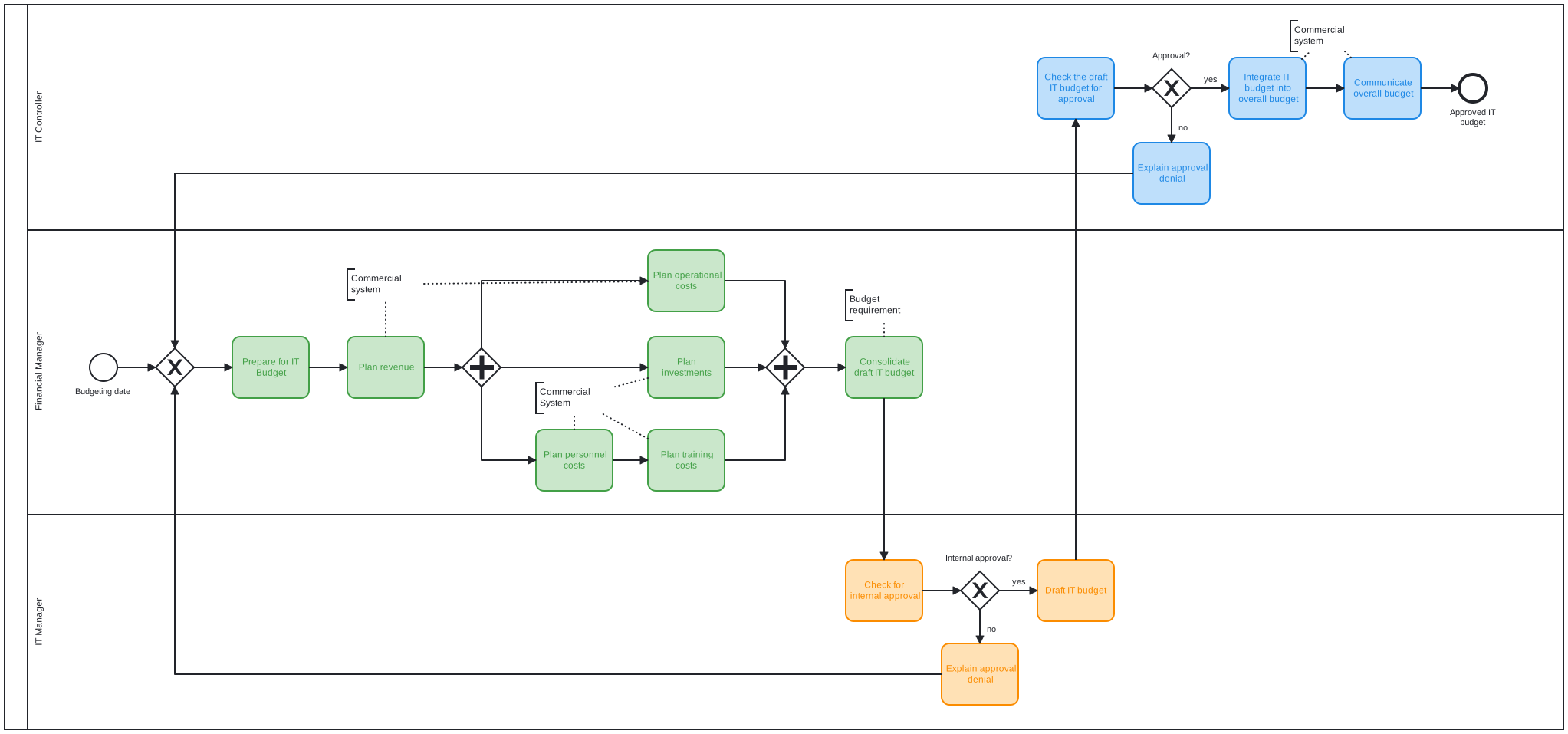
A BPMN process model describes all of this in one diagram: the activities, their order, parallel branches, and decisions. Flower turns the diagram into running work: it creates a Jira work item for each activity and starts the next activity when the previous one is resolved.
HR Processes You Can Automate with Flower
| Process | How it works with Flower |
|---|---|
| Onboarding | HR starts the process. IT, facilities, and the manager work in parallel branches. A welcome meeting follows when everything is ready. |
| Offboarding | Exit interview, return of company property, removal of access, and notifications run as one process. A terminate end event stops all open steps if the exit is cancelled. |
| Recruiting | Job posting approval, parallel interviews, and a four-eyes approval of the hiring decision. |
| Performance reviews | Goal setting, self-assessment, manager review, and feedback talk run as a repeatable process, with reminders when a step is late. |
| Employee requests | Employees request leave or equipment through a form or a Jira Service Management portal. Each request starts a process. |
Which Flower Features Matter for HR
- Swimlanes assign work automatically. Each lane of the model stands for a team or role, for example HR, IT, or Facilities. Flower assigns the work items of a lane to the same person. See Swimlane Assignments.
- Timers and reminders. A timer boundary event sets a due date on the work item and starts an escalation path when the date passes. A throw event can call a Jira Automation rule, for example to send a reminder email.
- Forms collect structured data. Use Jira Forms to collect the data of a new hire or a request. See Forms in Business Process Management.
- Processes start themselves. Map a Jira work type to a process model, and every new work item of this type starts the process, for example when an employee submits a request.
- Confidentiality stays in Jira. Flower creates work items in the Jira spaces you choose and uses Jira’s permissions. A restricted HR space therefore stays restricted.
Example: Onboarding Process Step by Step
- Start event: A new employee is hired.
- HR: Prepare the contract.
- Parallel gateway: IT and facilities start at the same time.
- IT: Set up the laptop. Facilities: Set up the access card.
- Parallel gateway (join): The process waits until both are done.
- Manager: Hold the welcome meeting.
- End event: Onboarding is complete.
Traceability and Compliance
Flower supports traceability: every activity is a Jira work item with an assignee, a status, and a history. Process models are versioned, and a running process keeps the model version it started with. Access follows your Jira permissions. Flower does not replace a compliance assessment. Check requirements such as data protection laws for your Jira site and your HR data.
Frequently Asked Questions
Can Flower automate HR onboarding in Jira?
Yes. You model the onboarding as a BPMN process, and Flower creates and assigns the Jira work items for HR, IT, facilities, and the manager. Templates for common processes are included.
Do HR teams need Jira Service Management?
No. Flower works in any Jira space. Jira Service Management is optional and useful if employees should submit requests through a portal.
Where is HR data stored?
In Jira, as work items in the spaces you choose. Flower keeps its process data in Jira.
Can employees start a process themselves?
Yes. Map the work type of a form or request to a process model, and each new work item starts the process.
About Flower
Flower – Business Process & Workflow Automation (BPMN) for Jira is an app on the Atlassian Marketplace for Jira Cloud and Jira Data Center. It lets you model business processes in BPMN 2.0 and run them in Jira: for every activity of a process, Flower creates a Jira work item, assigns it through swimlanes, shows its status in the process diagram, and continues the process when the work item is resolved. Flower stores all process data in Jira, so your permissions, boards, and reports keep working. Flower is Cloud Fortified and has been on the Atlassian Marketplace for more than ten years.
Start a free 30-day trial on the Atlassian Marketplace or follow the Get Started guide.