Media
Media
All videos about Flower in one place: the product in a few minutes, webinars on processes beyond the Jira workflow, short animations that explain how Flower runs a BPMN process in Jira, and screen recordings of the app. Each video opens on the page it belongs to.
Product videos and webinars
Flower in a few minutes, a tour of the highlights, and webinars on processes beyond the Jira workflow.


Explainer animations
Short animations of how Flower runs a BPMN process in Jira, one for each guide and getting-started step. They play on the page they explain.
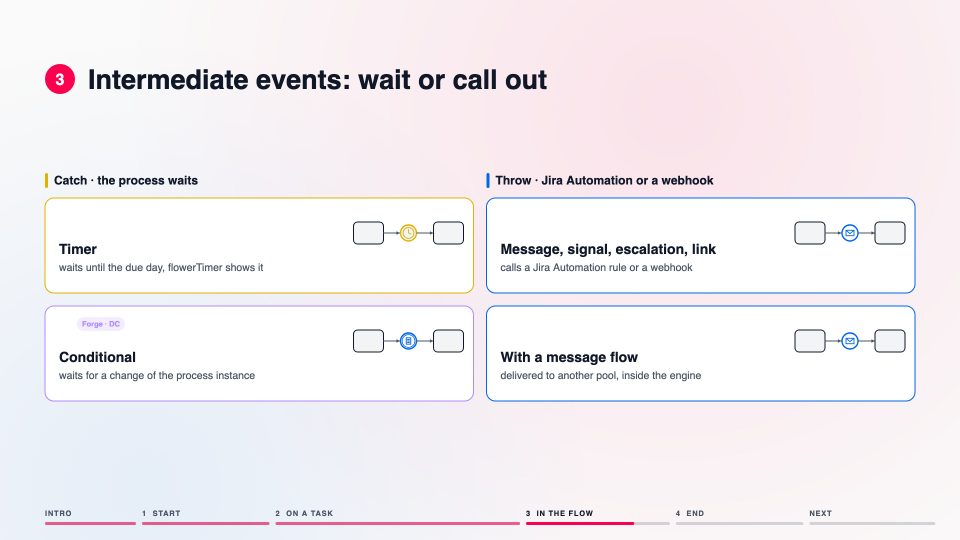 ▶
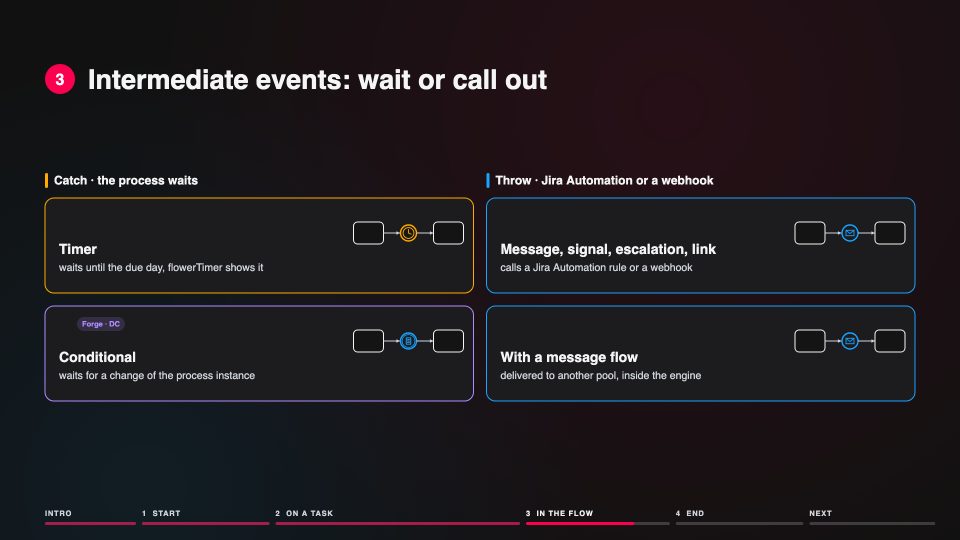
BPMN ReferenceEvents in Flower at a glanceStart events, events on the border of a task, events in the flow and end events: what Flower does with each, and when a boundary event fires.On the page BPMN Events
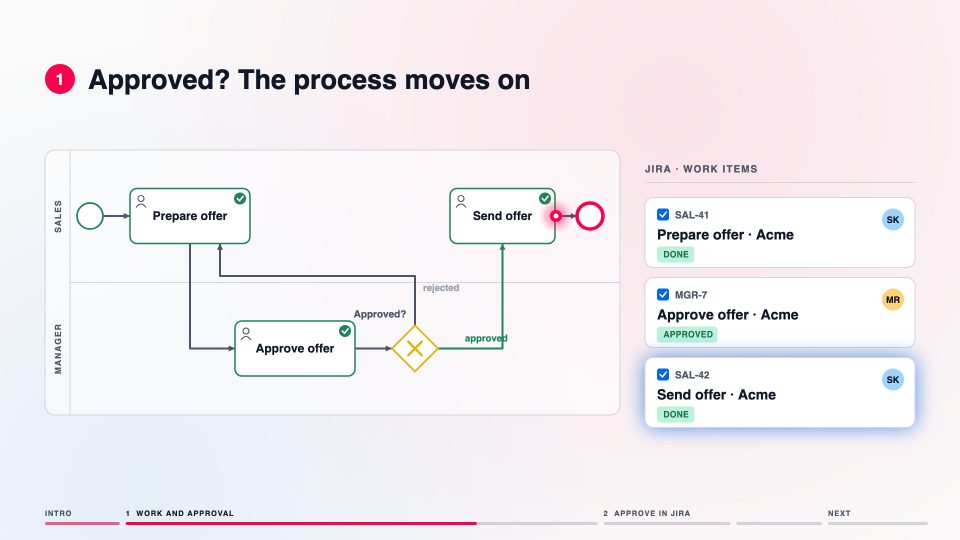 ▶
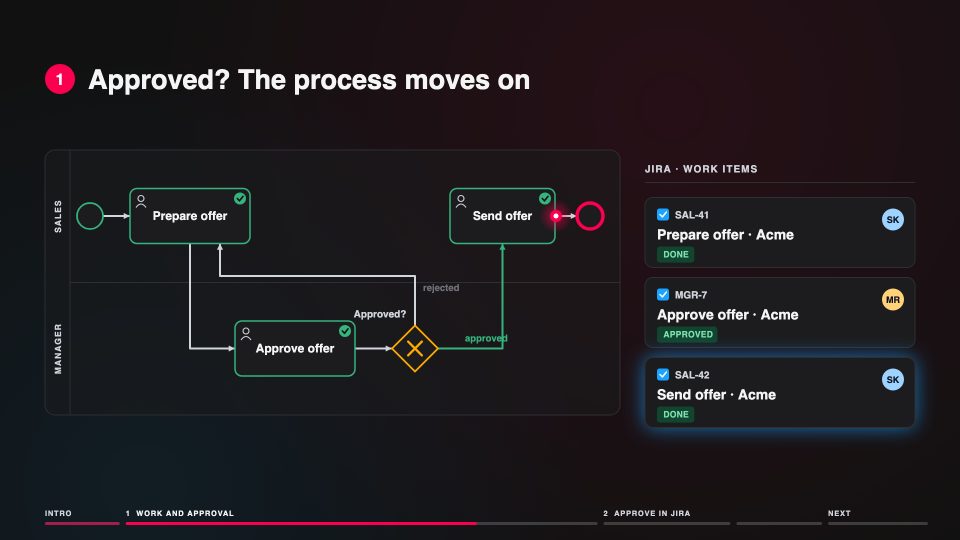
GuidesAn approval step with FlowerWork in one lane, the approval in another: declined reopens the work, approved moves the process on.On the page Four Eyes, One Smile
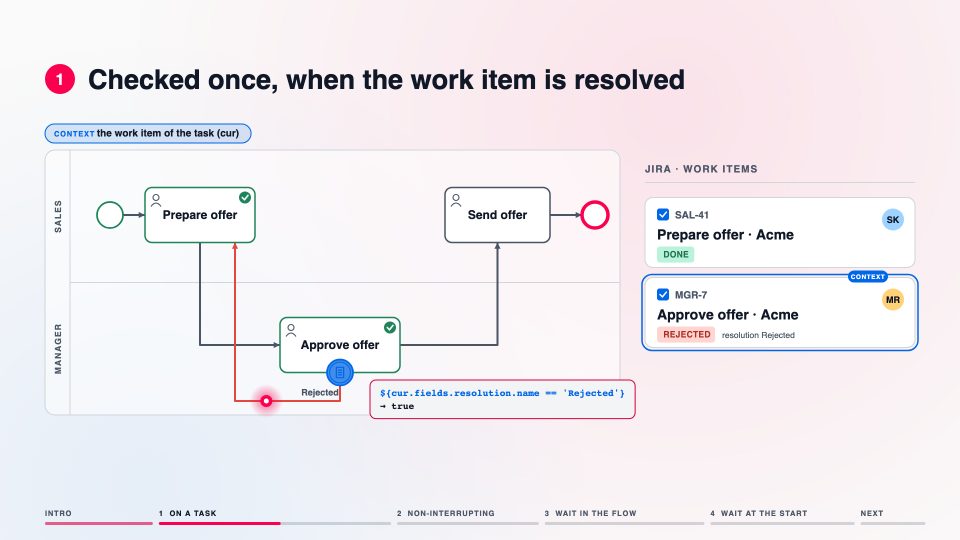 ▶
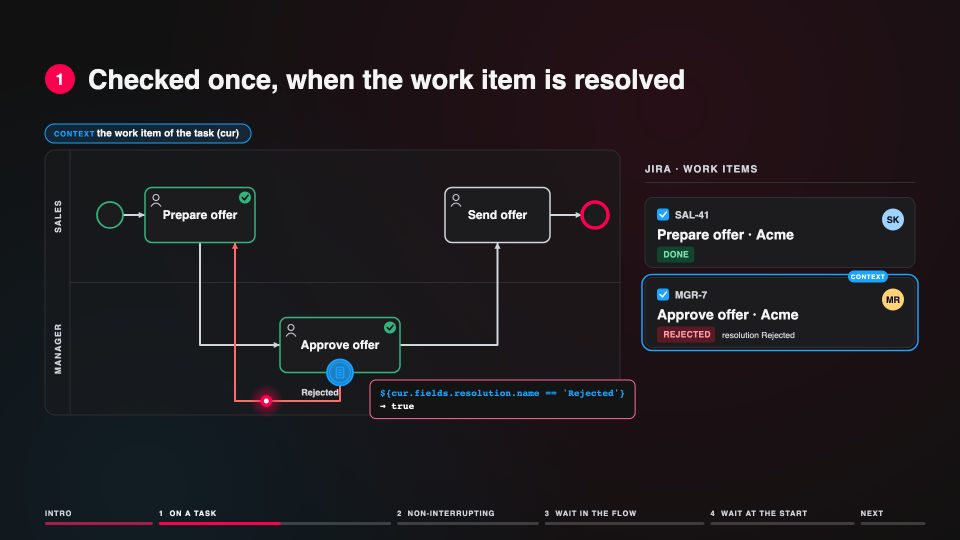
GuidesBranch on the outcome of a taskA conditional boundary event on the approval: resolved as Rejected, the process goes back to the work, every other outcome takes the normal flow.On the page Branch on the Outcome of a Task with Conditional Boundary Events
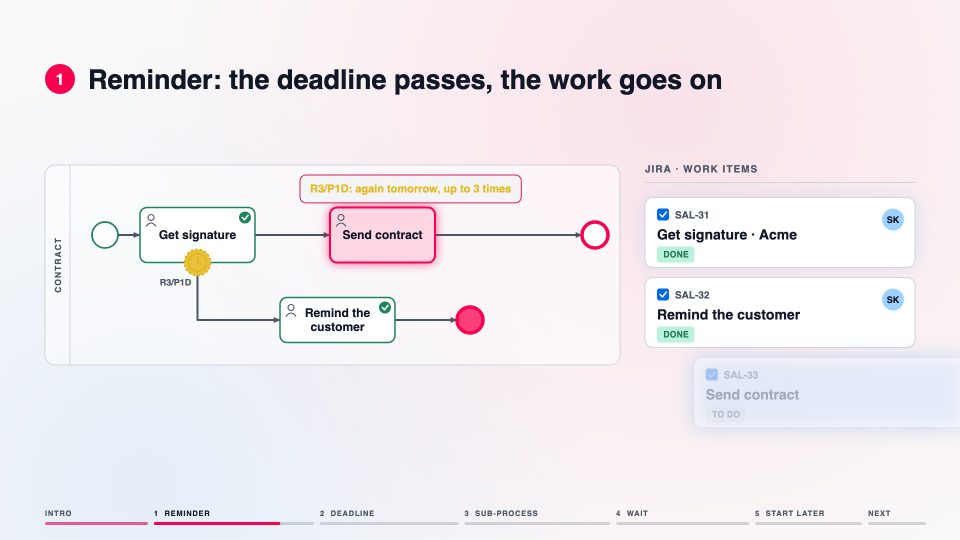 ▶
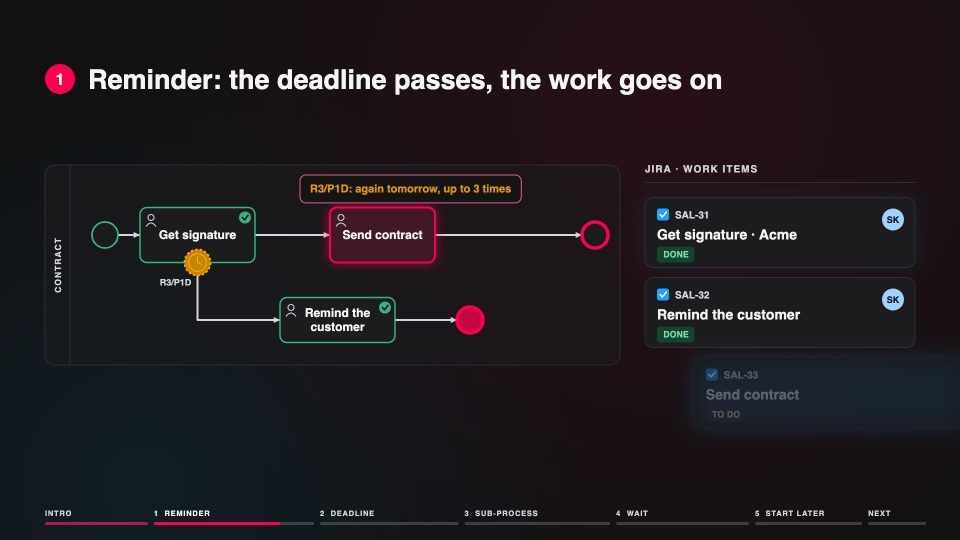
GuidesDue dates and escalations with timersA timer on a task sets the Jira due date; when it passes, the process takes the escalation path.On the page Set Jira Due Dates with Timer Events
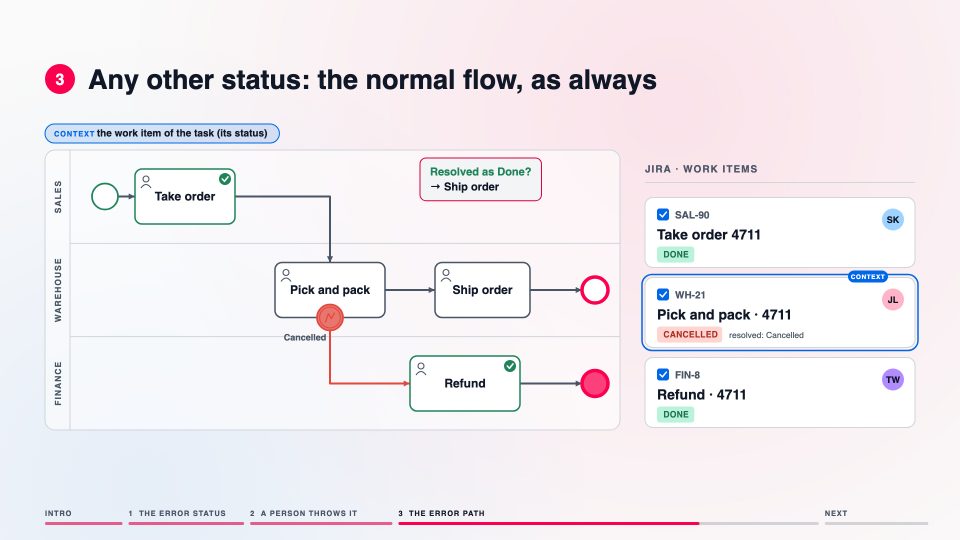 ▶
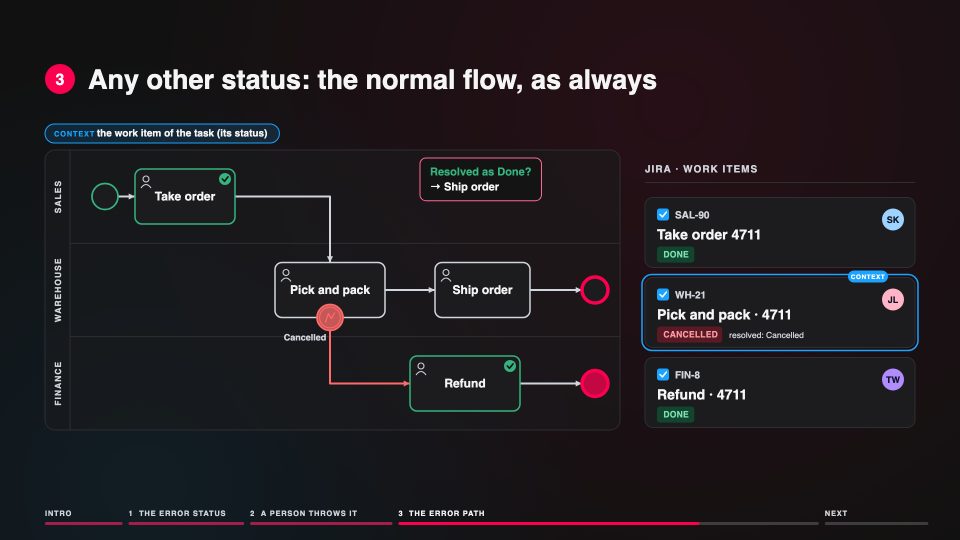
GuidesEnd a task with an error statusA person resolves the work item as Cancelled; the error boundary event takes the process to the refund instead of the shipment.On the page End a Task with an Error Status
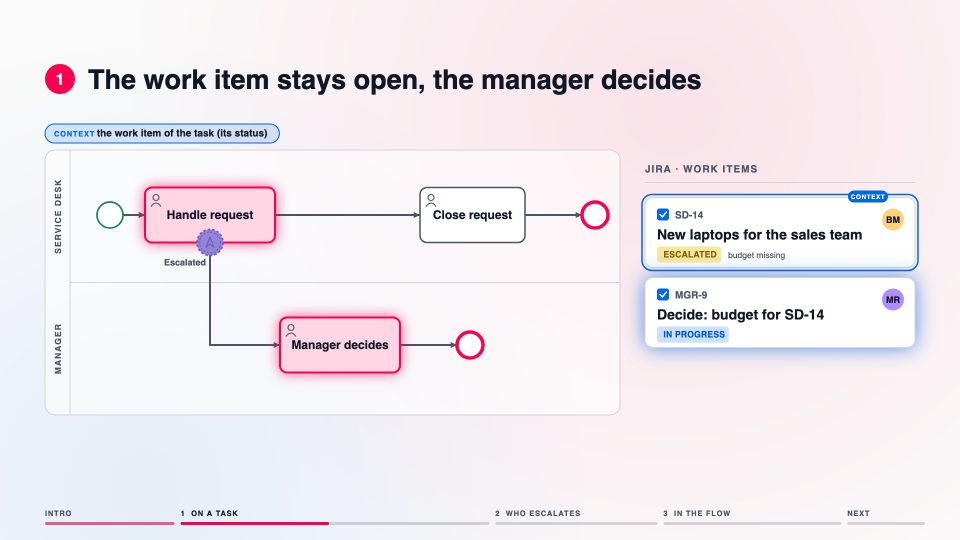 ▶
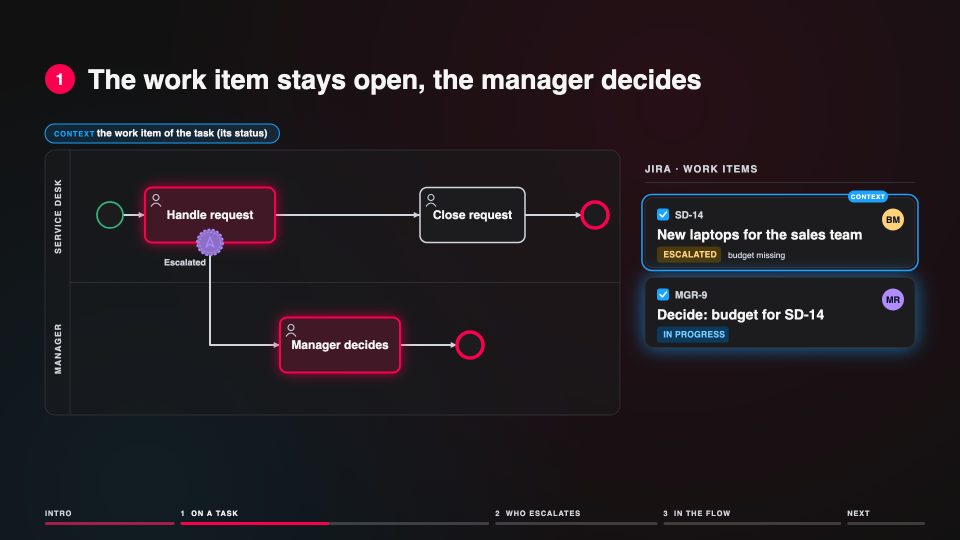
GuidesEscalate a task with a Jira statusMoved into Escalated by a person or a Jira Automation rule, the work item stays open and the manager gets a task at once.On the page Escalate a Task with a Jira Status
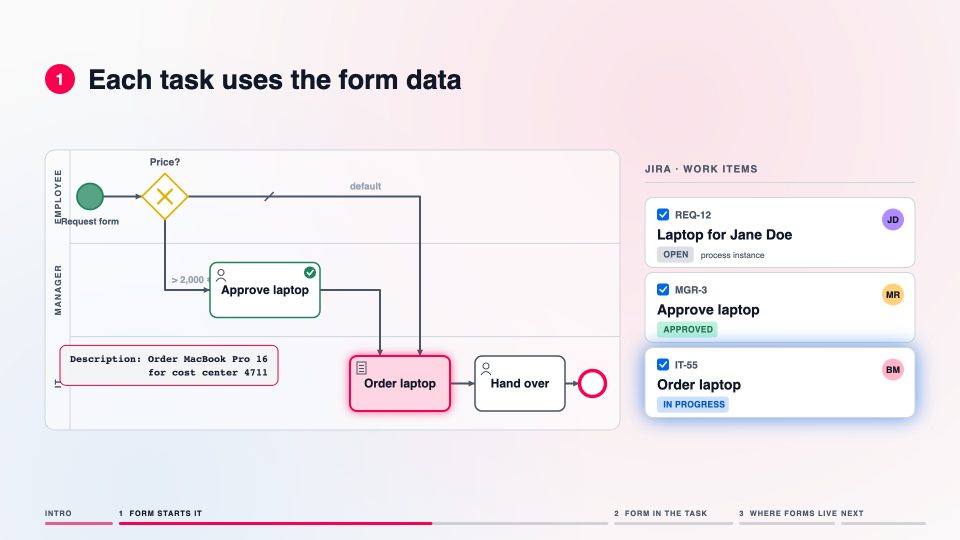 ▶
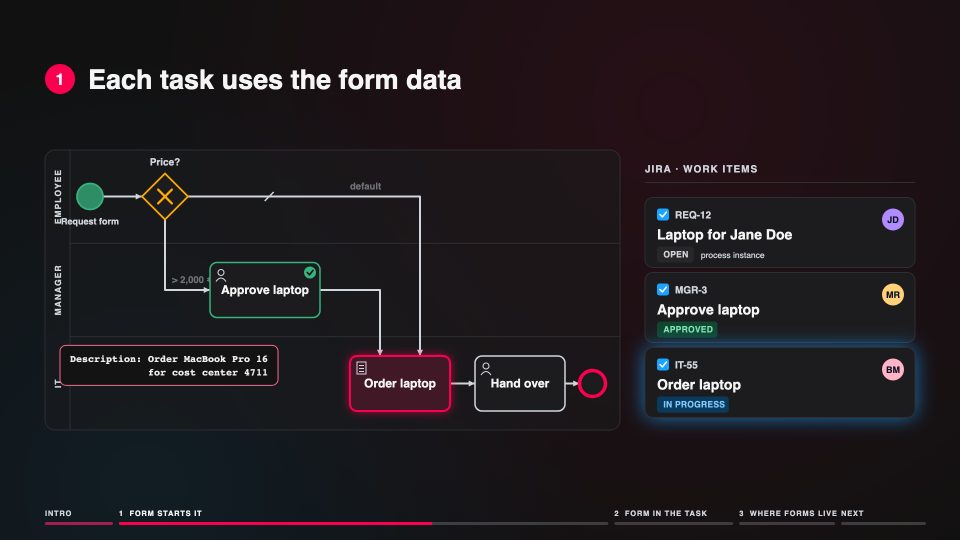
GuidesJira Forms in a processA form starts the process, the tasks use its data, and required fields are checked before the next step.On the page Jira Forms Meets Flower BPM
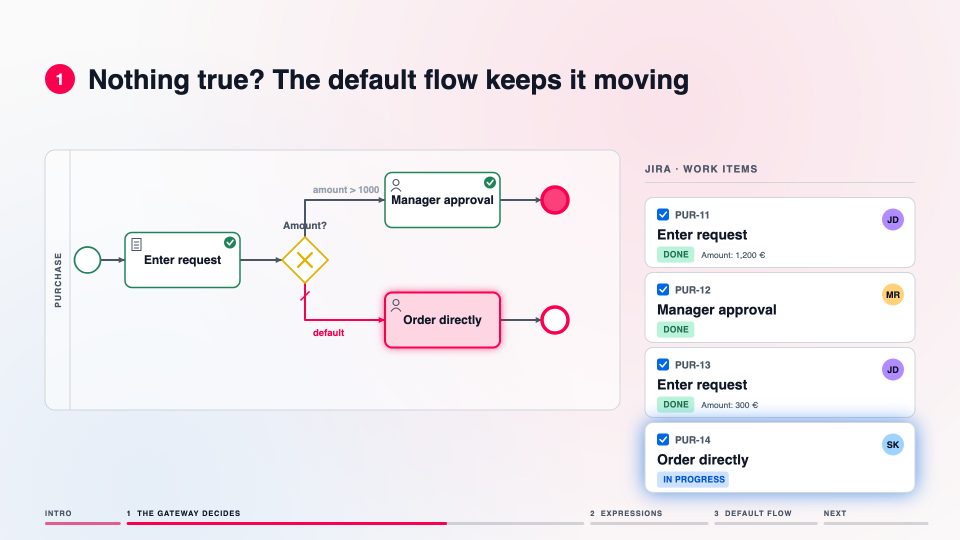 ▶
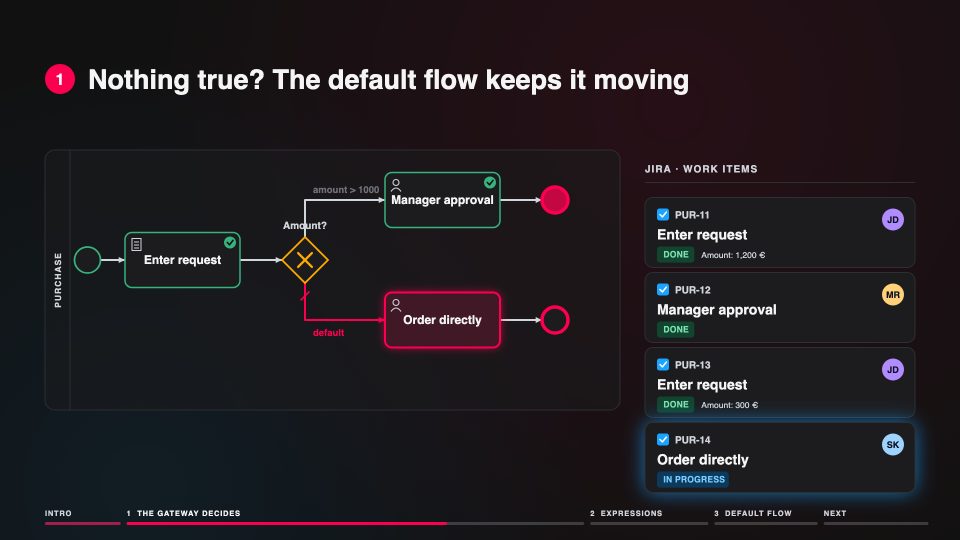
GuidesExpressions decide at the gatewayFlower takes the first outgoing flow whose expression is true; the default flow keeps the process moving when none is.On the page BPMN Gateways & Decision Handling
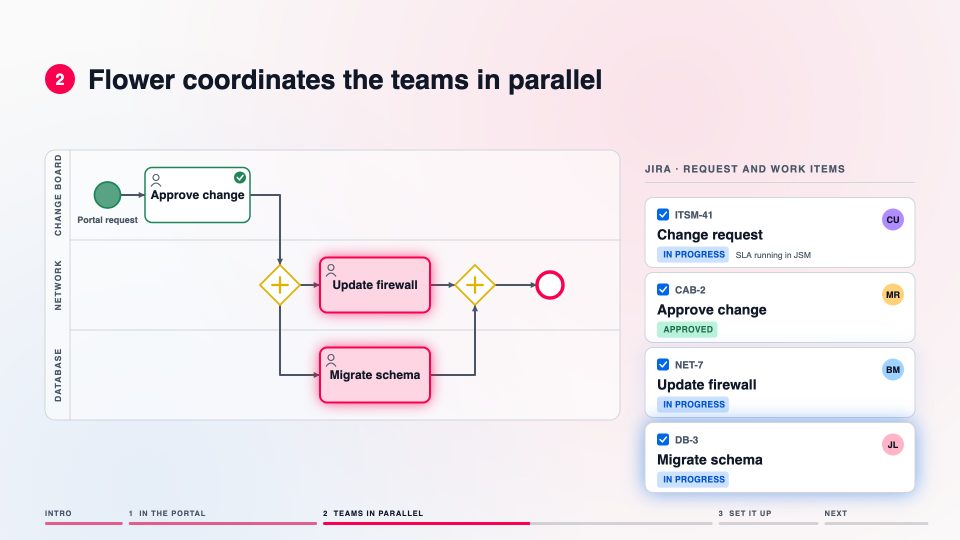 ▶
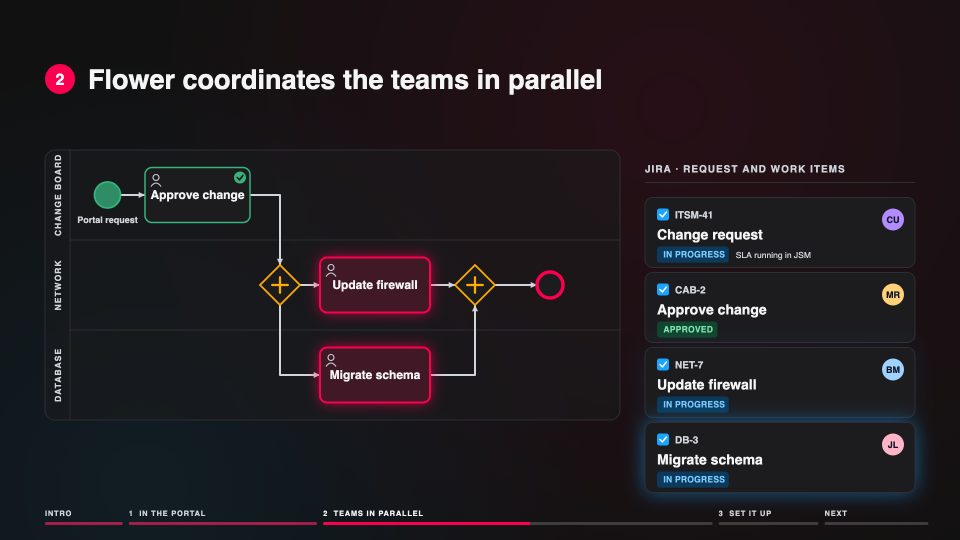
GuidesA JSM request as a processThe request is the process instance; Flower coordinates the teams in parallel while JSM keeps the SLA and the customer.On the page Jira Service Management (JSM)
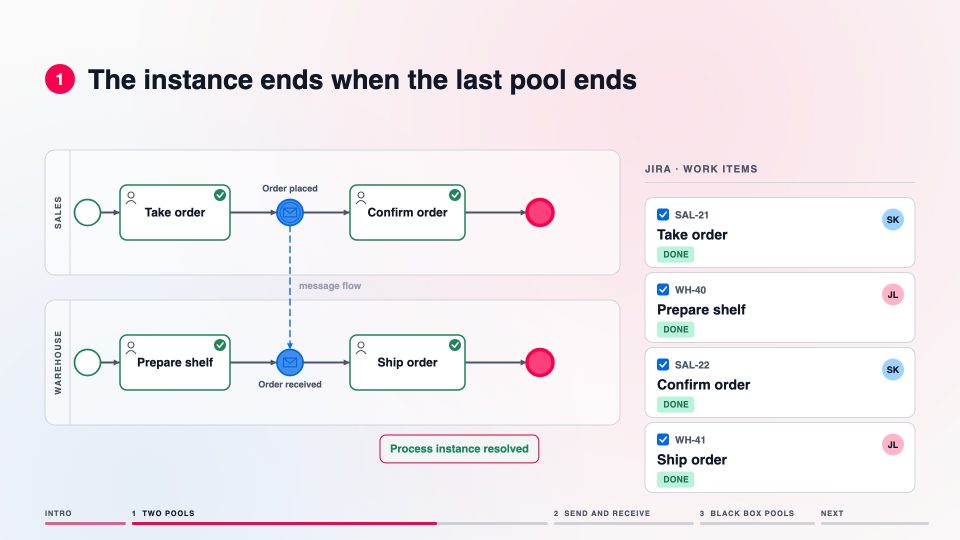 ▶
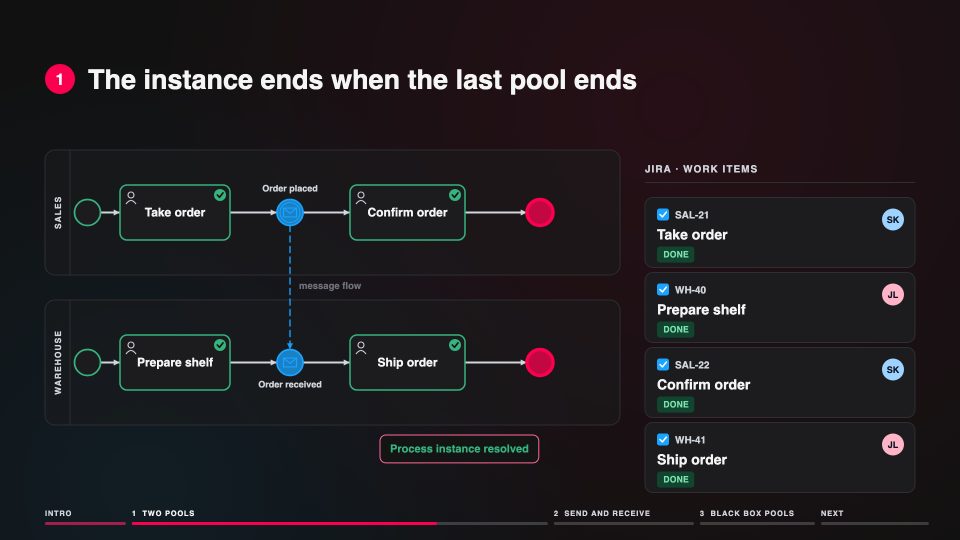
GuidesTwo pools, one process instanceA message flow delivers a message from one pool to the other; the instance ends when the last pool has ended.On the page Message Flows
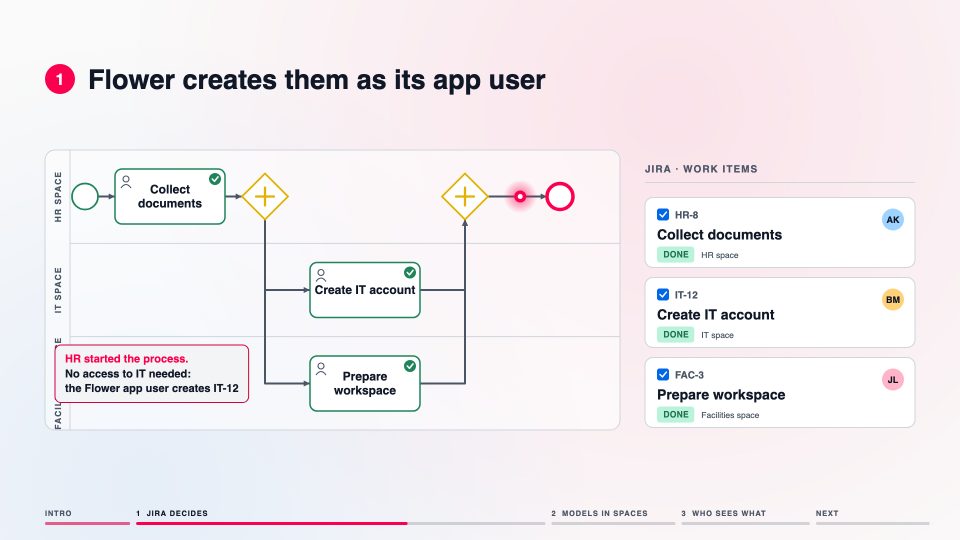 ▶
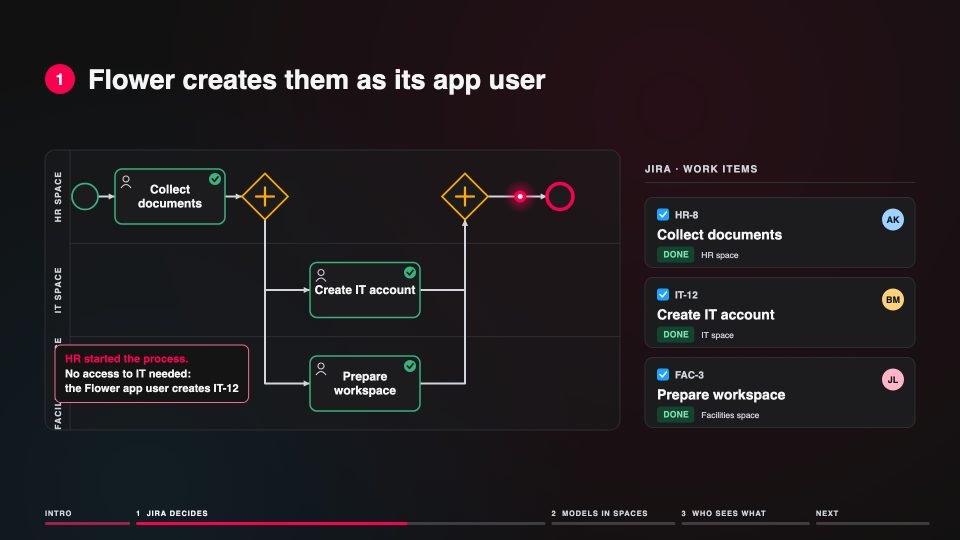
GuidesJira permissions decideModels, process instances and work items live in Jira spaces, so everyone sees exactly what Jira allows.On the page Permission Handling
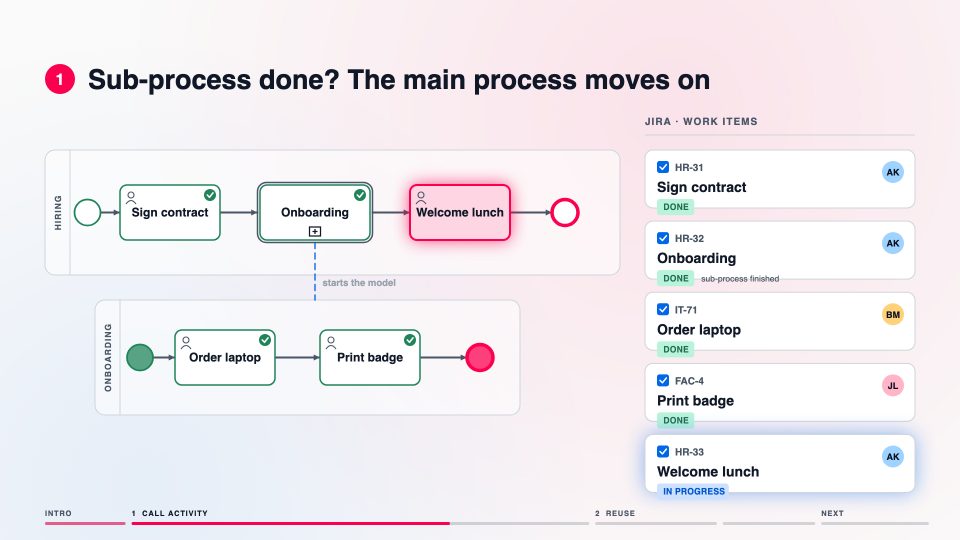 ▶
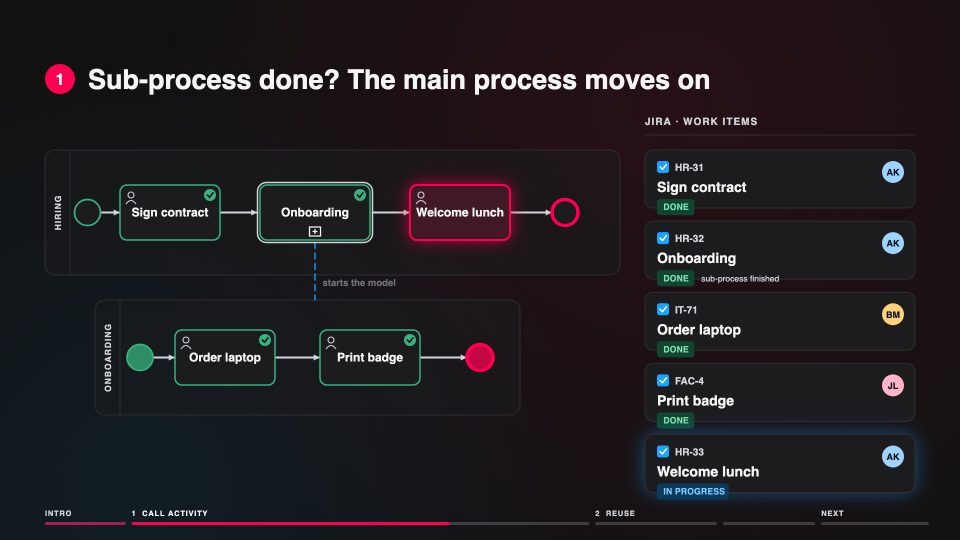
GuidesA call activity runs another processThe main process waits at the call activity until the sub-process has finished, then it moves on.On the page Sub-Processes
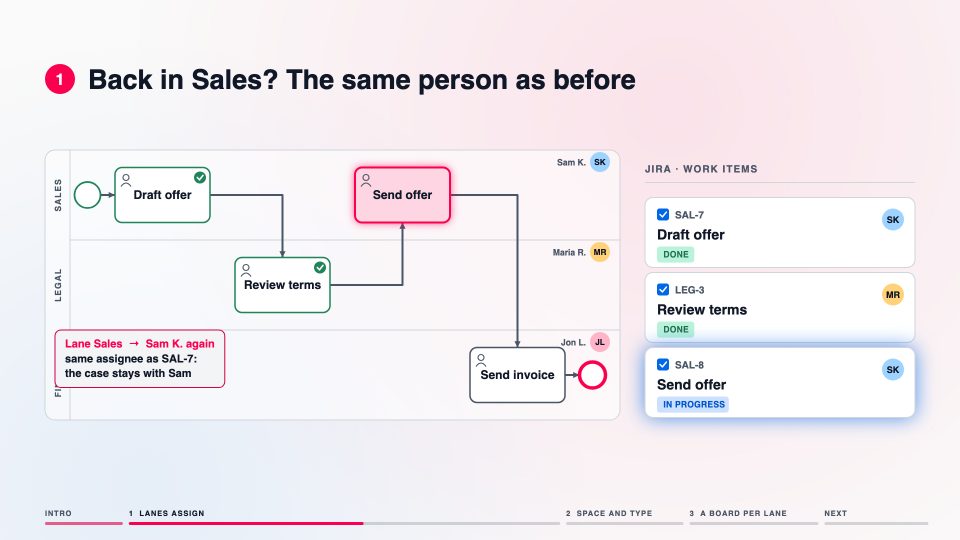 ▶
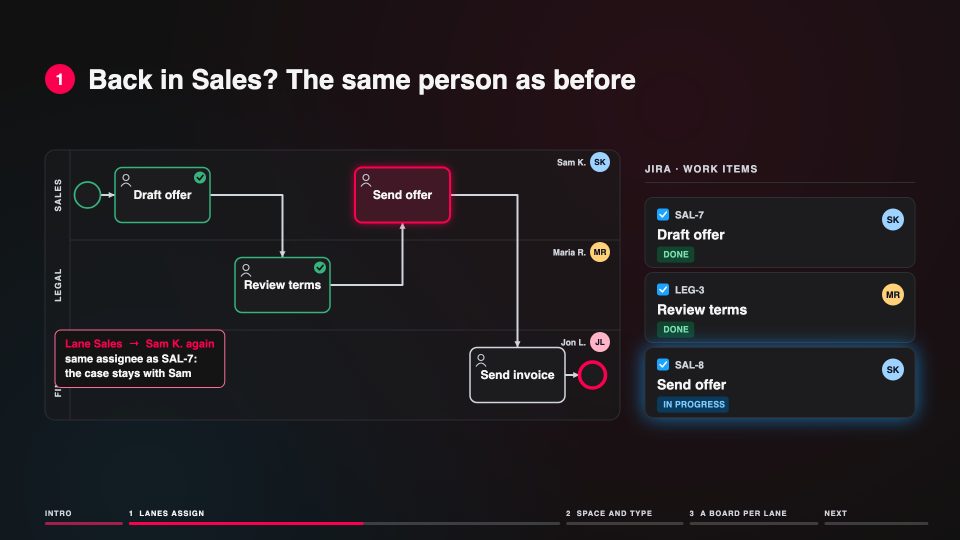
GuidesSwimlanes assign the workThe lane of a task decides who gets its work item, so nobody reassigns work by hand.On the page Jira Task Orchestration
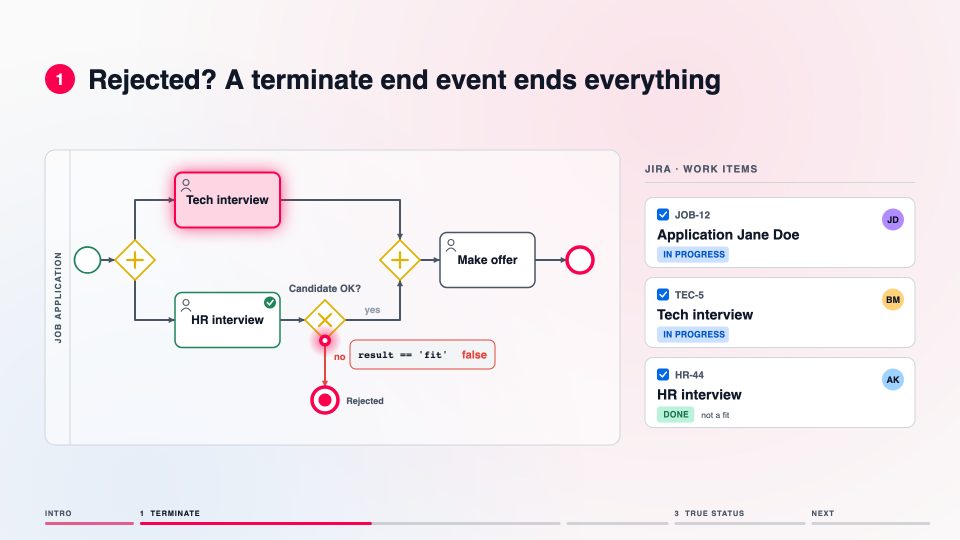 ▶
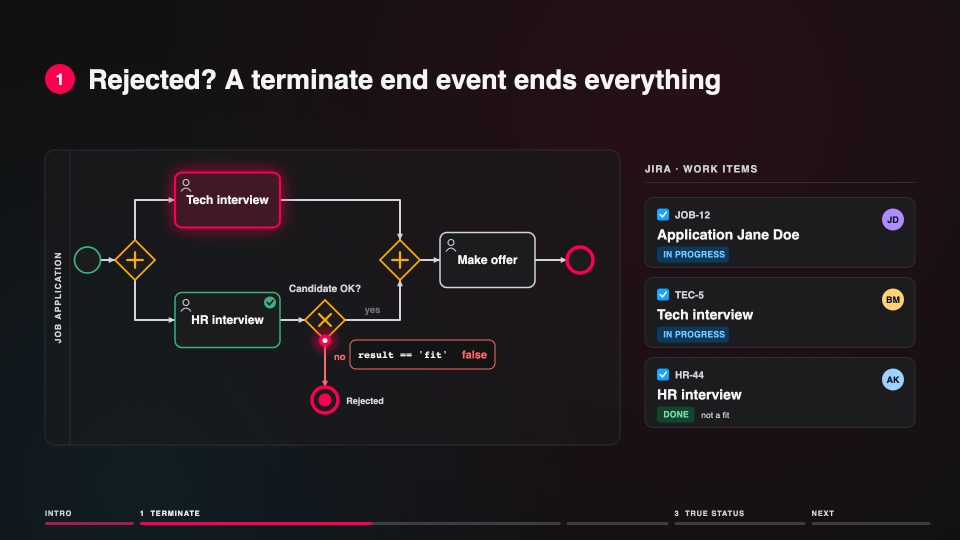
GuidesRegular and terminate end eventsA terminate end event ends the whole process instance and closes the work items that are still open.On the page BPMN End Events
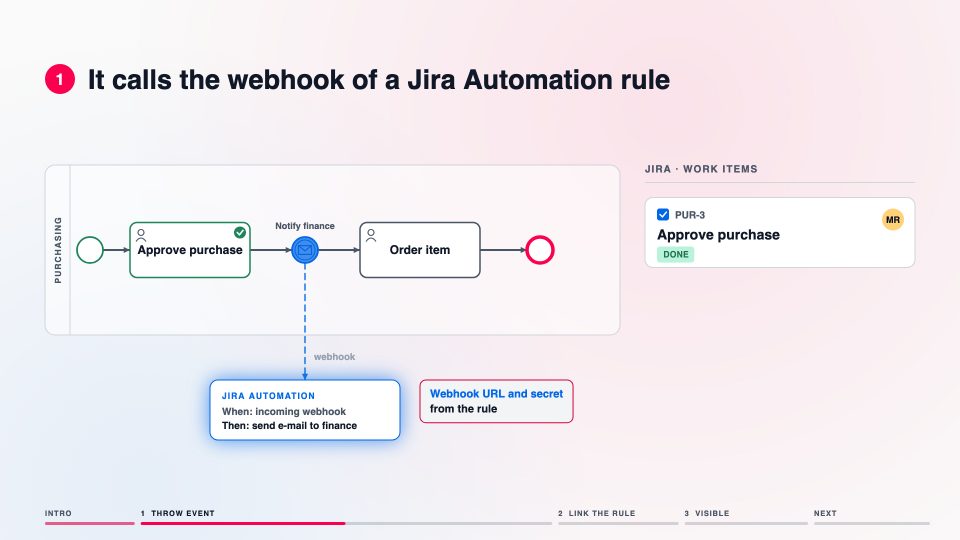 ▶
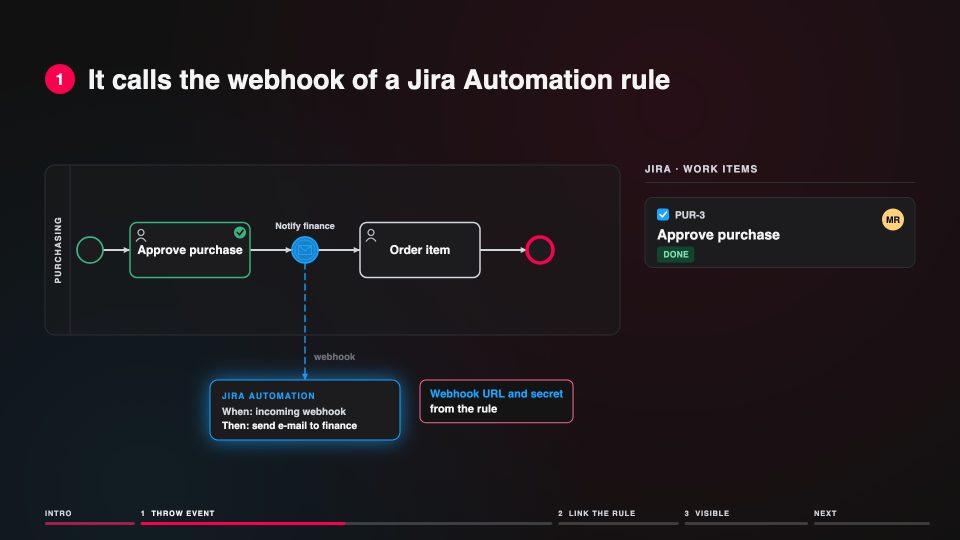
GuidesA throw event triggers Jira AutomationThe throw event calls the webhook of an automation rule, so the automation becomes a visible step of the process.On the page Sync Magic
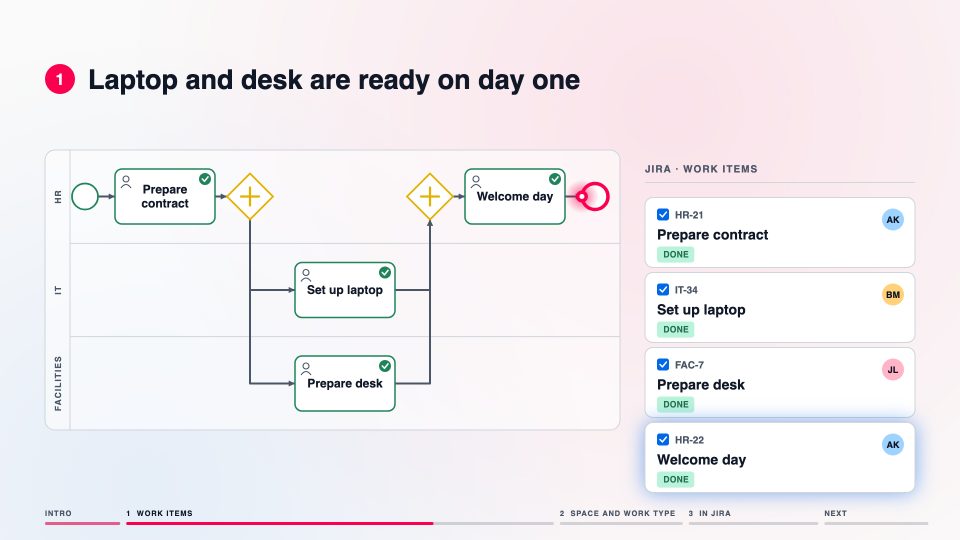 ▶
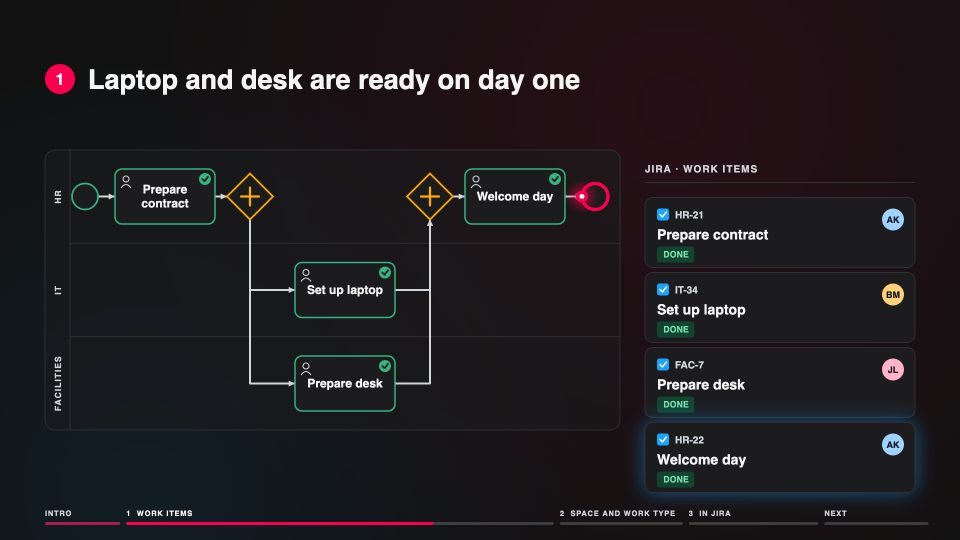
GuidesEvery BPMN task becomes a Jira work itemEach task of the model becomes a work item in the space and work type of the model; when it is done in Jira, Flower creates the next one.On the page User Tasks
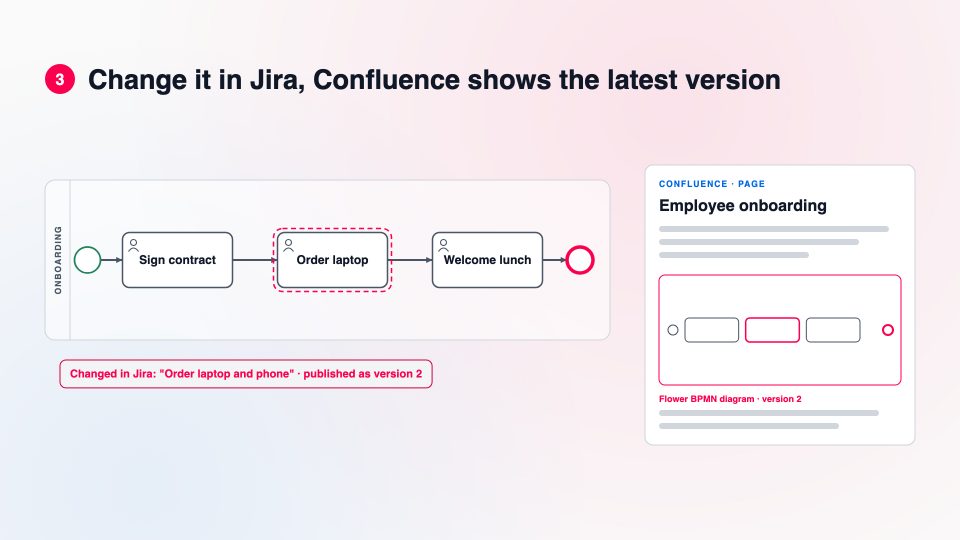 ▶
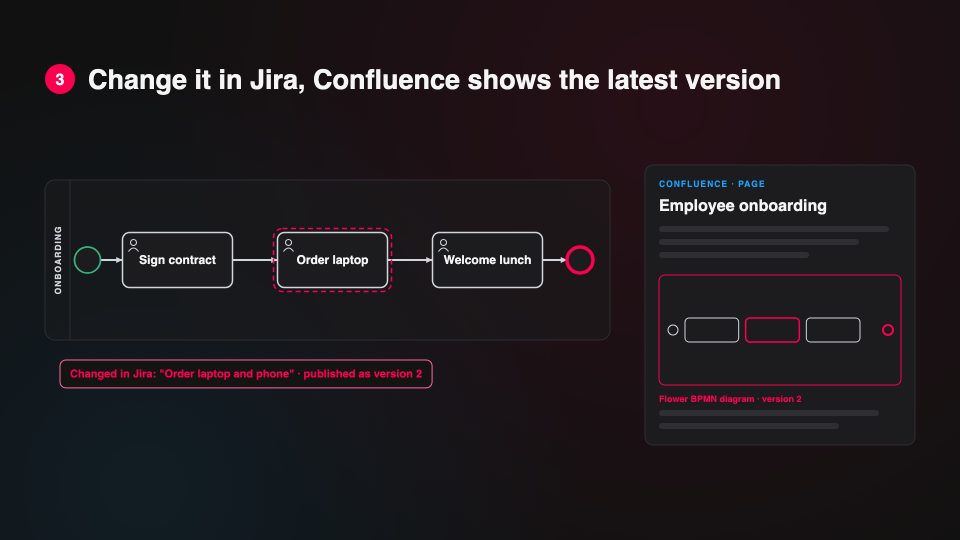
Get StartedBPMN diagrams on Confluence pagesModel in Jira, embed the diagram on a Confluence page, and Confluence always shows the latest version.On the page Get Started with Flower BPM for Confluence
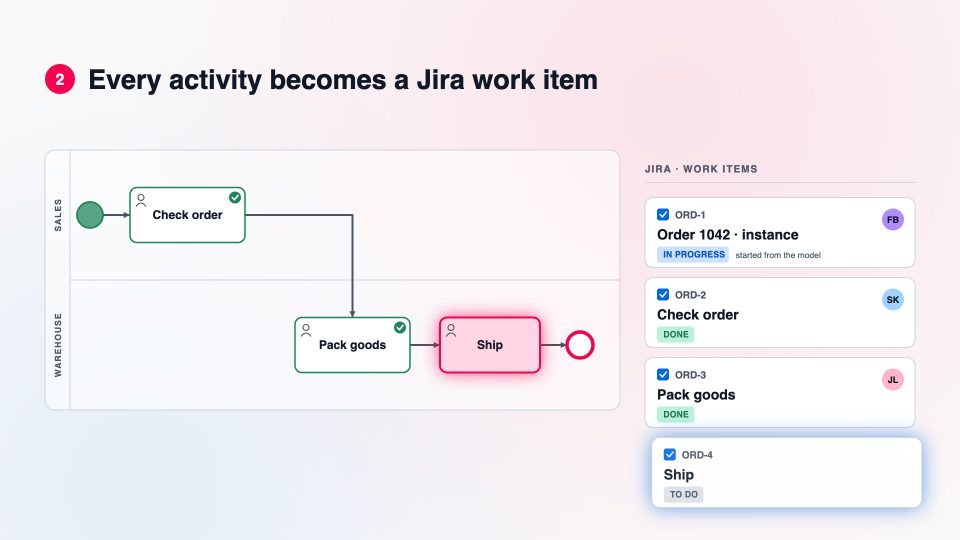 ▶
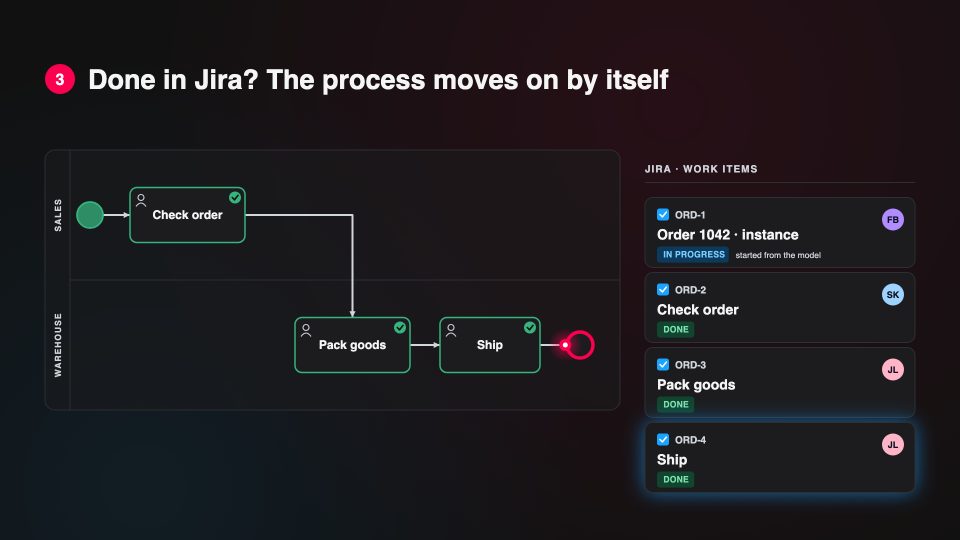
Get StartedLaunch your first processPlan the work items by hand, or let the Flower engine run the process: every activity becomes a Jira work item, done in Jira moves the process on.On the page Get Started with Automation
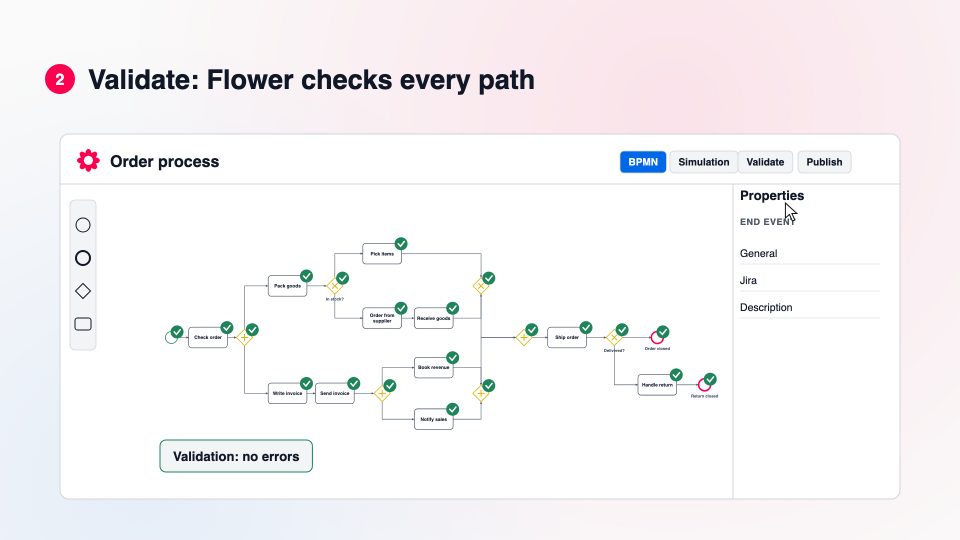 ▶
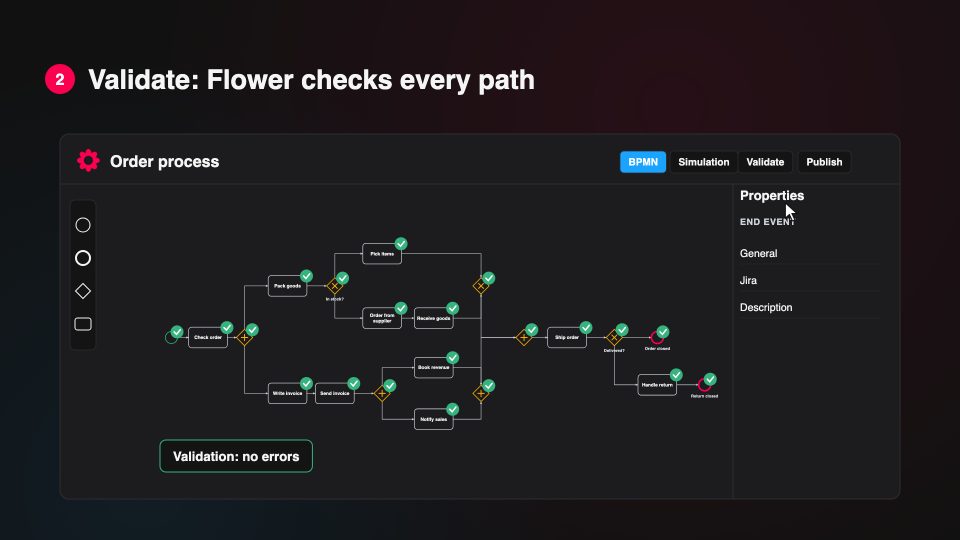
Get StartedYour first BPMN model in FlowerStart from a template, try the process with the token simulation, validate it and publish it: the model is a Jira work item.On the page Get Started with Modelling
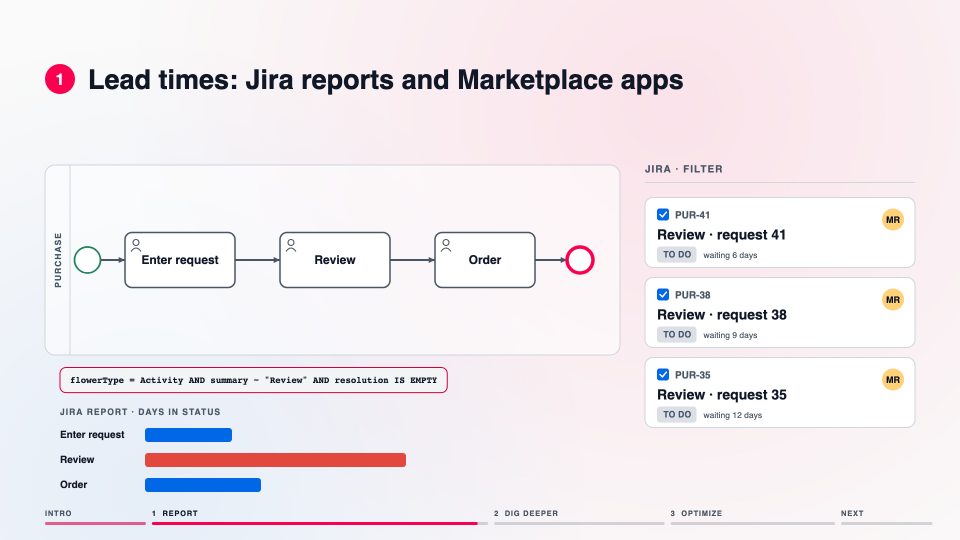 ▶
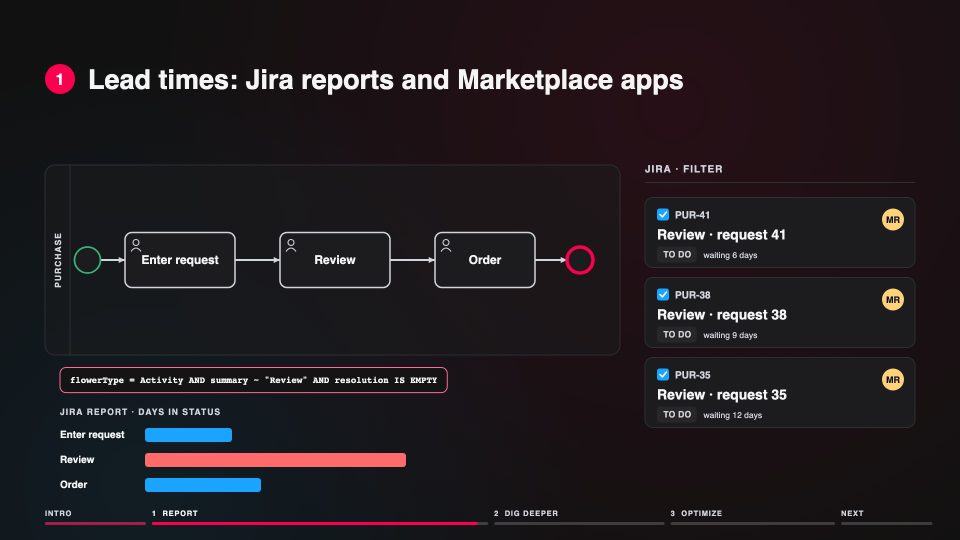
Get StartedFind the bottleneckThe model report counts the open work items per activity; JQL and Jira reports show the details.On the page Monitor & Optimize
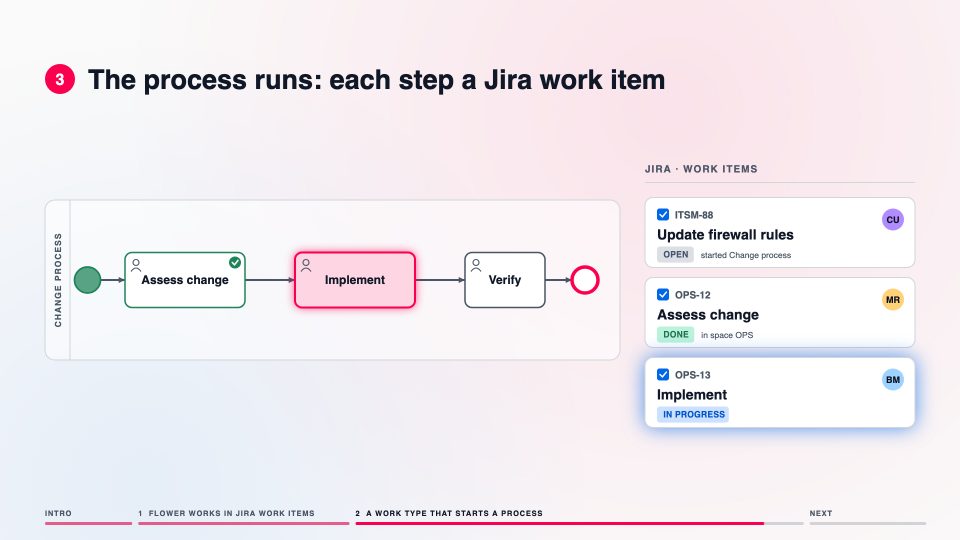 ▶
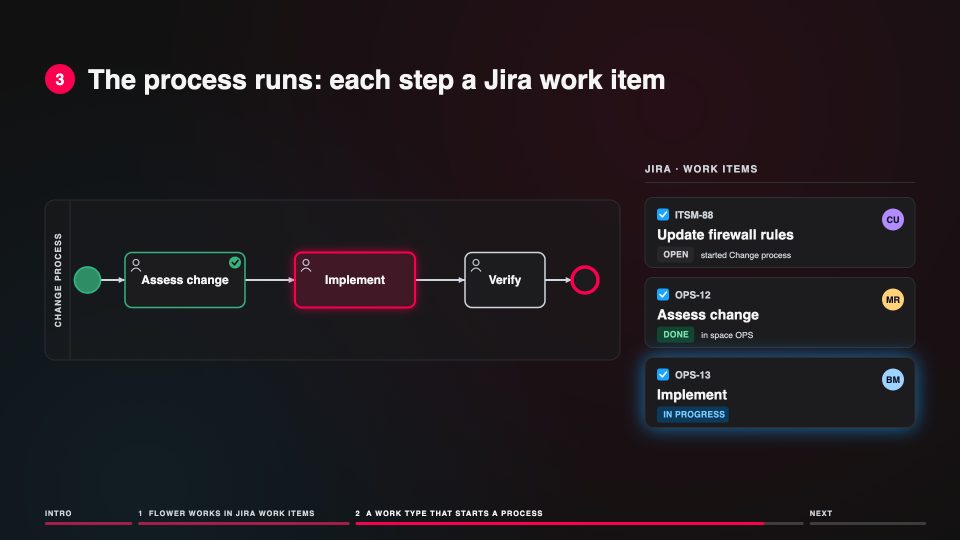
Get StartedSet up FlowerDefault space and work type, then a work type mapping: a new work item of that type starts the process by itself.On the page Setup Flower
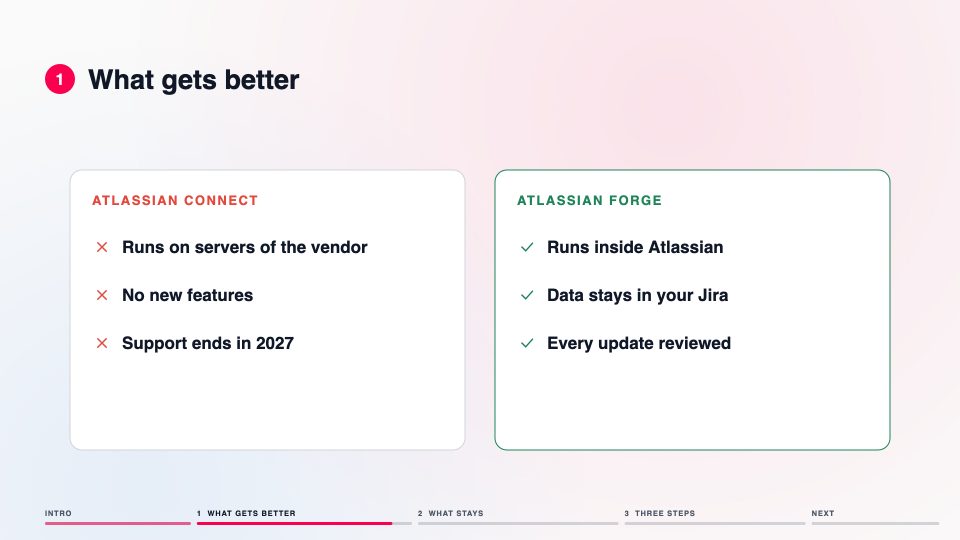 ▶
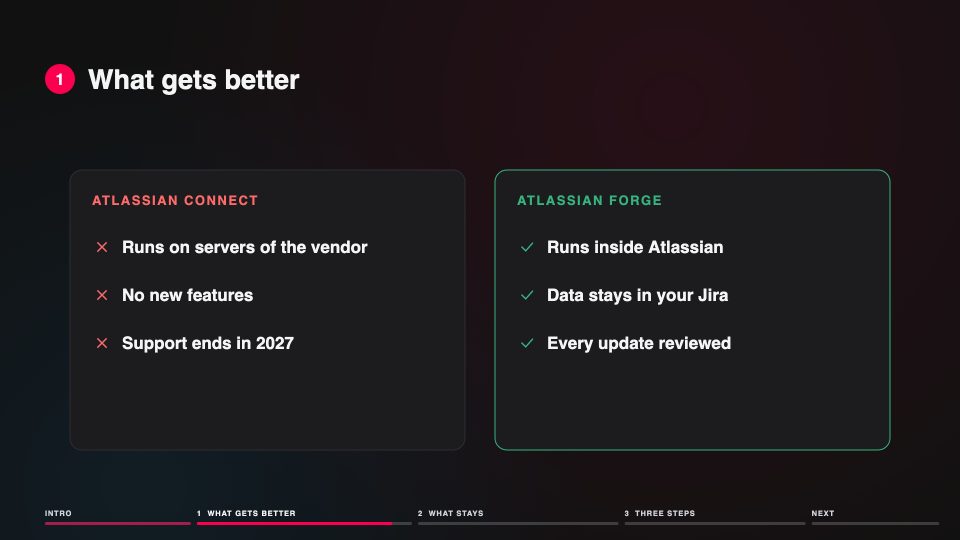
ResourcesMoving to Atlassian ForgeThe same app on the platform Atlassian builds on: your data, processes, models and license stay; a Jira admin updates in three steps.
Screen recordings
How it looks in the Flower app: create a model, import a BPMN file, start a process, simulate it.
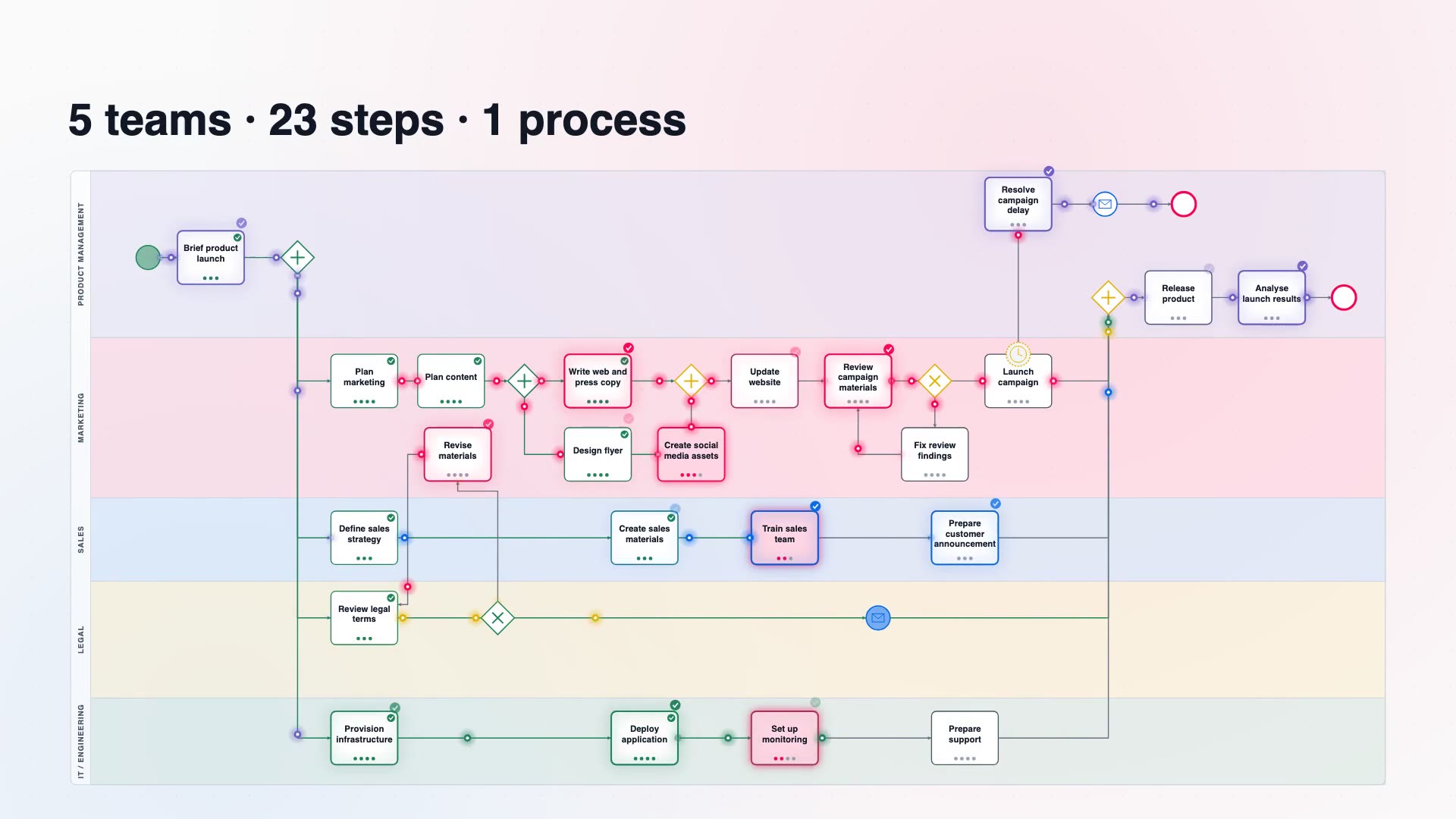 ▶
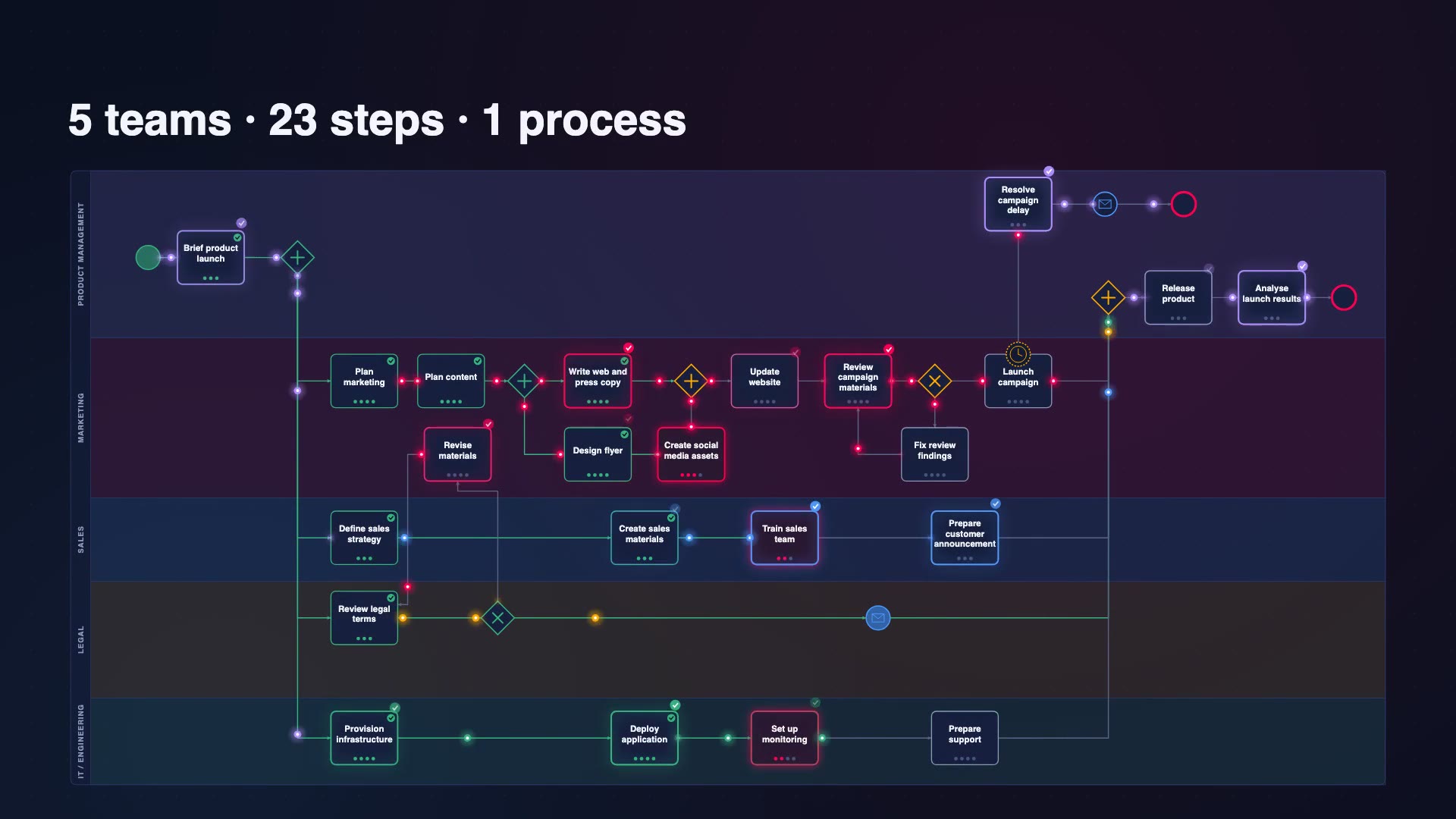
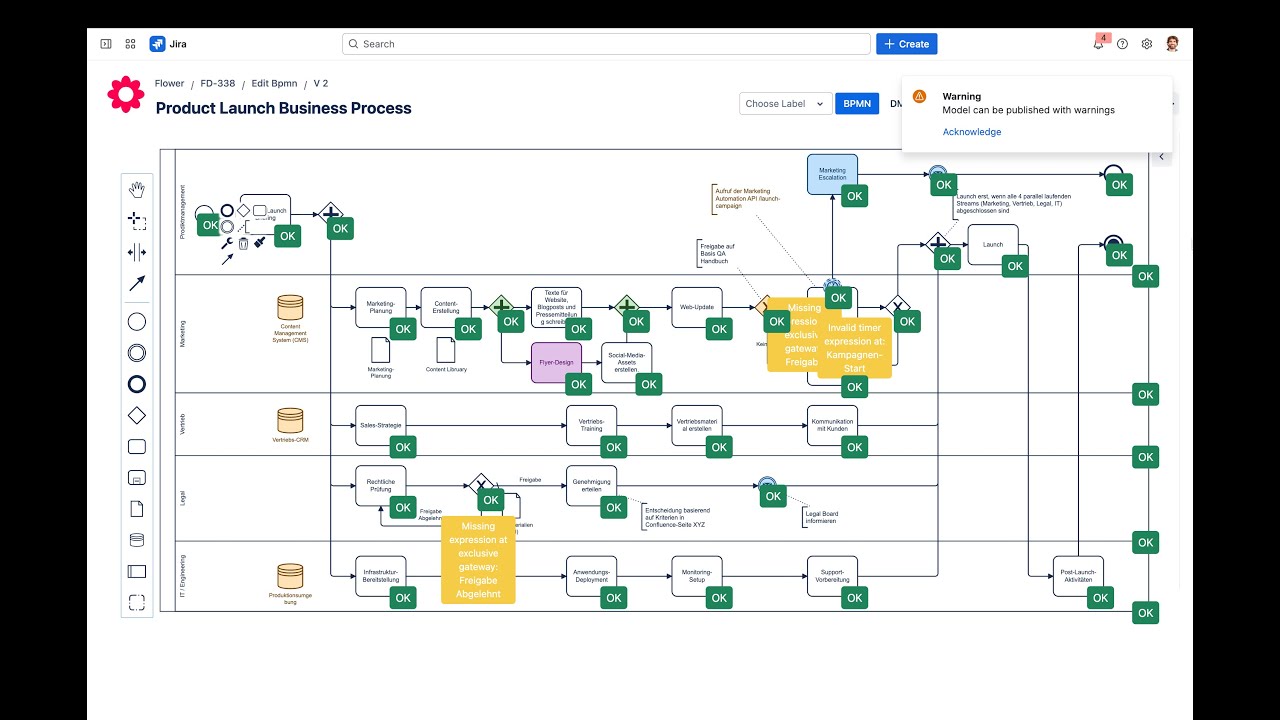
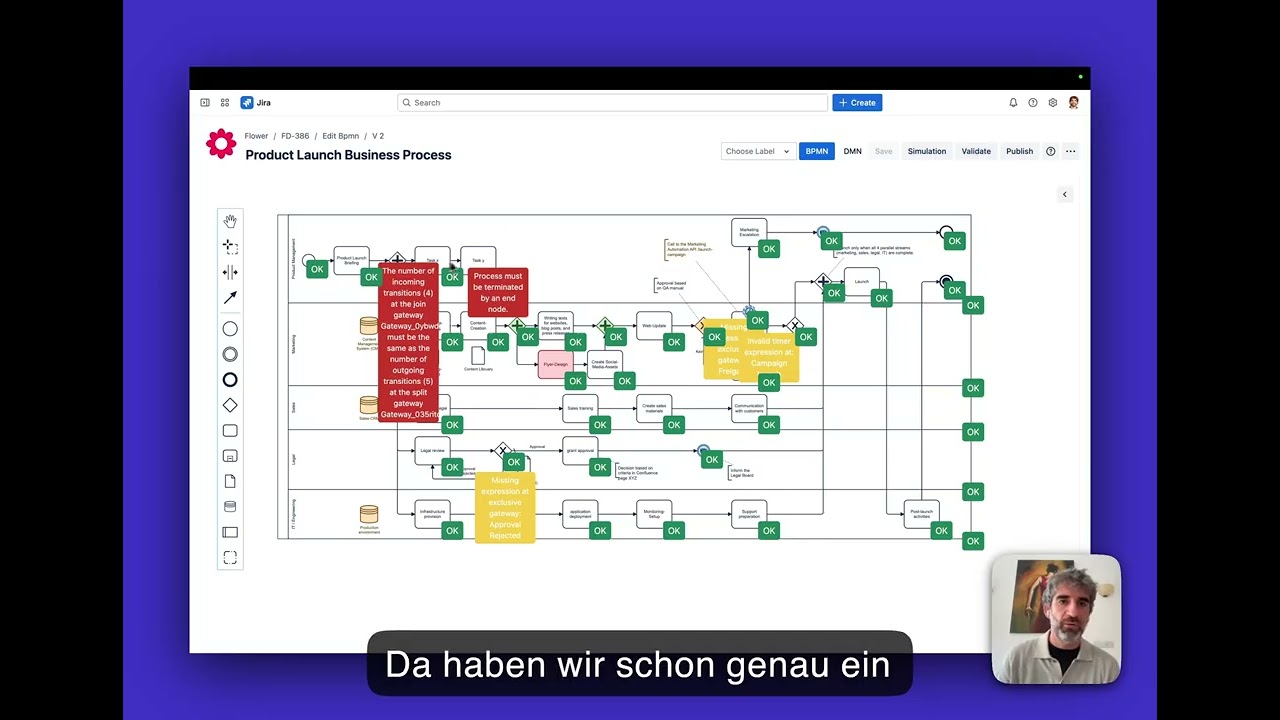
FlowerFlower in under two minutesFrom one Jira work item to the whole process: a product launch with five teams, then the real app: model it, start it, and watch every step become a work item, from brief to launch.
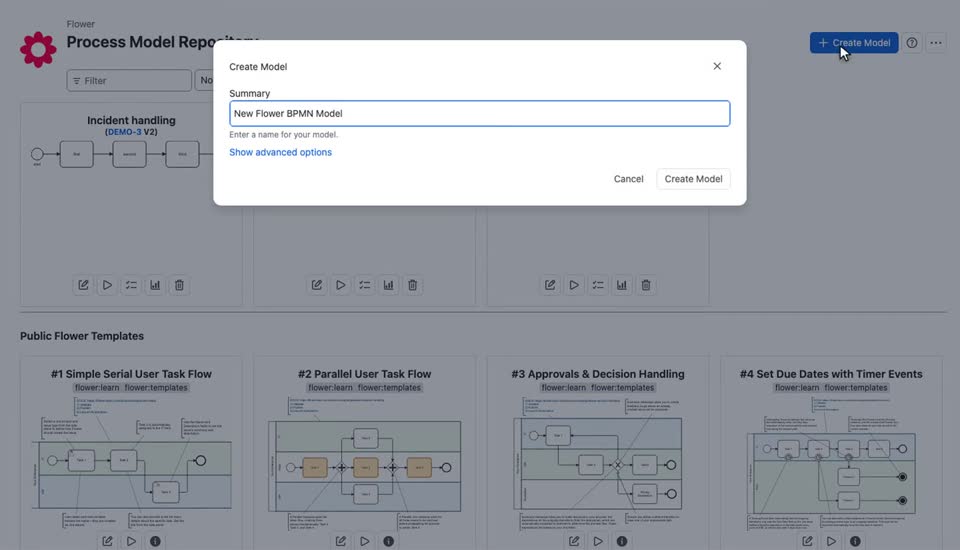 ▶
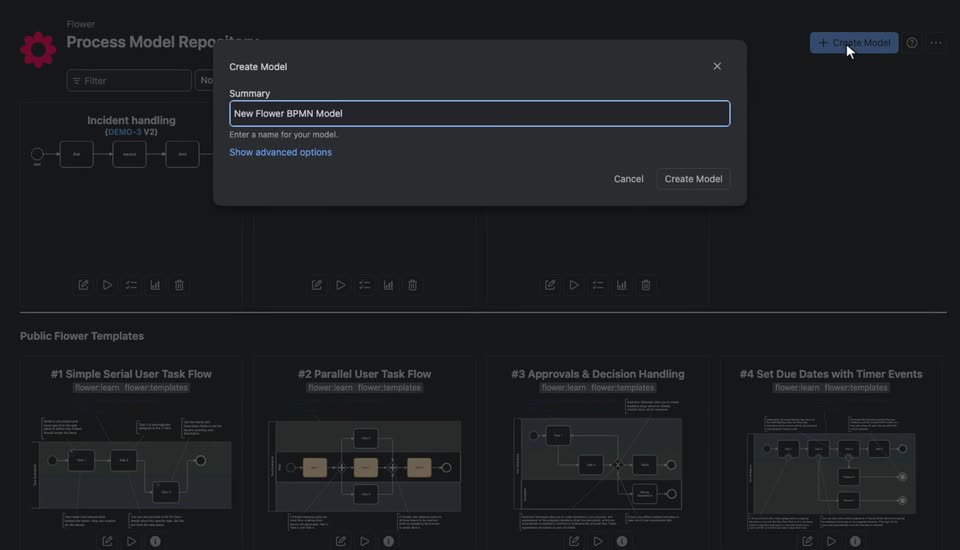
BPMN ReferenceHow to import a BPMN modelOn the page Export and Import Your BPMN File
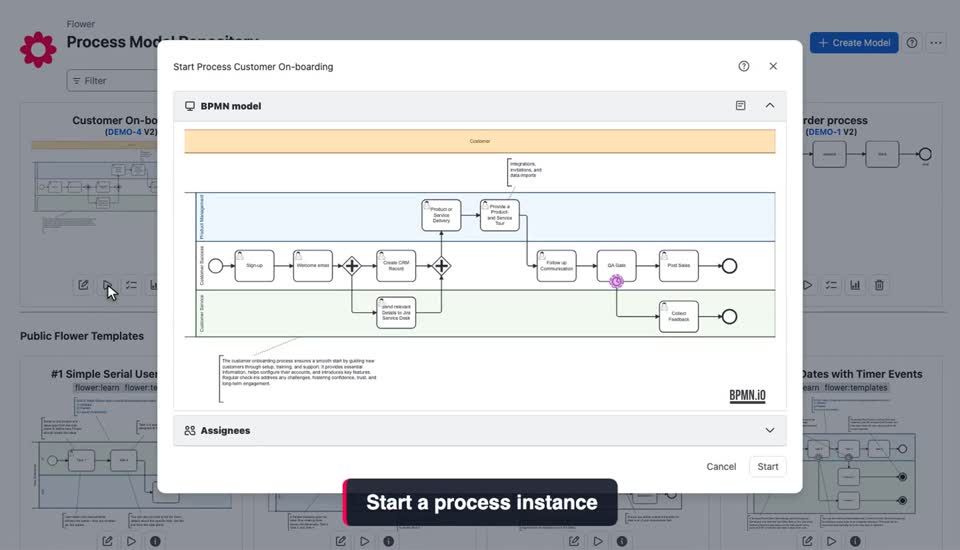 ▶
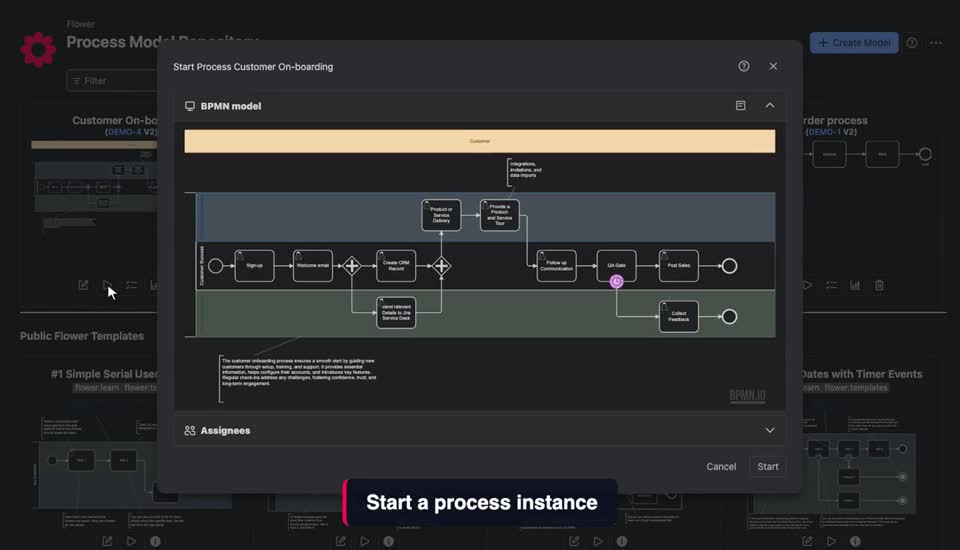
Get StartedHow to create a Flower workflow instanceOn the page Get Started with Automation
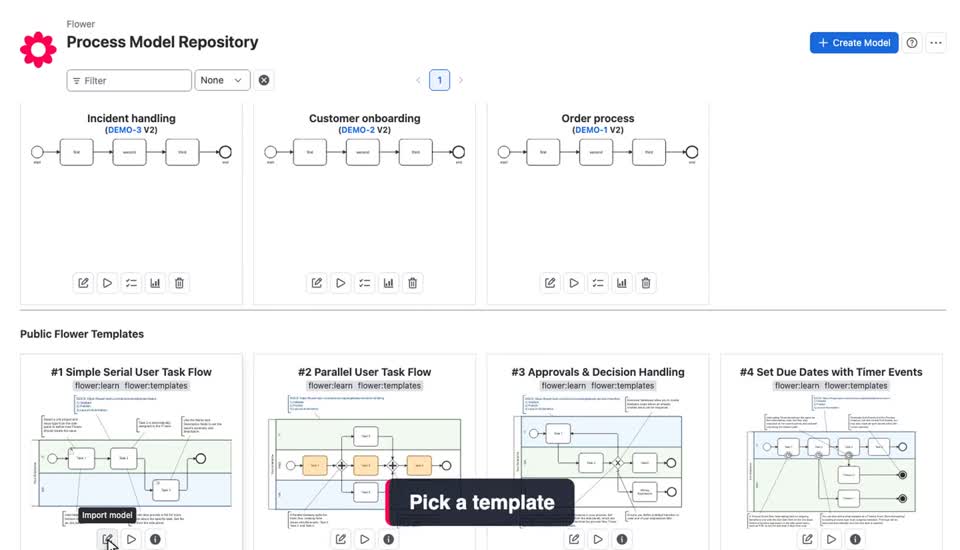 ▶
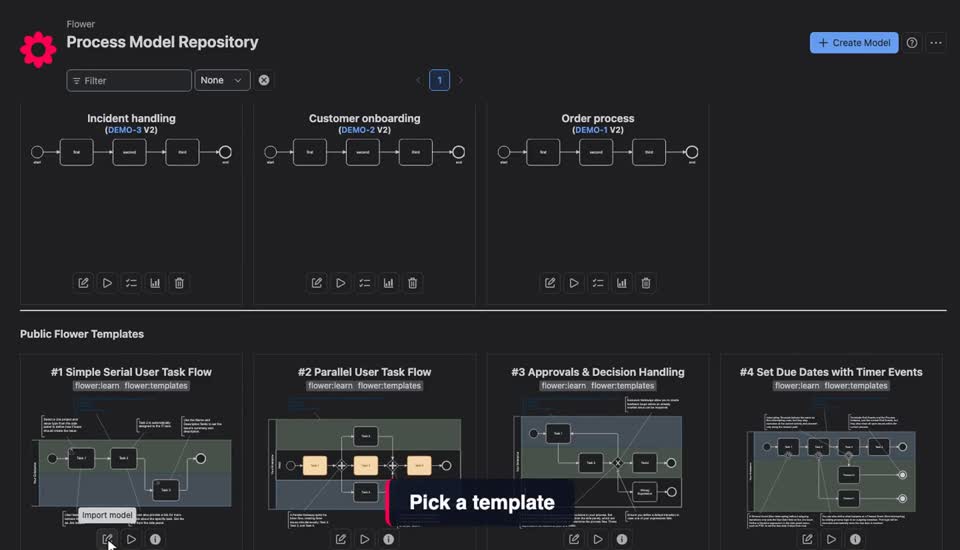
Get StartedHow to create a Flower modelOn the page Get Started with Modelling
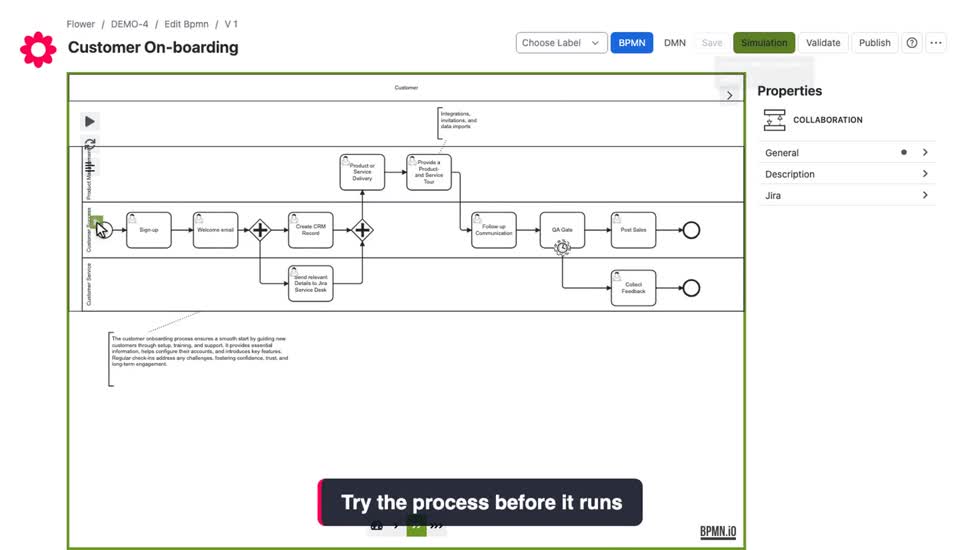 ▶
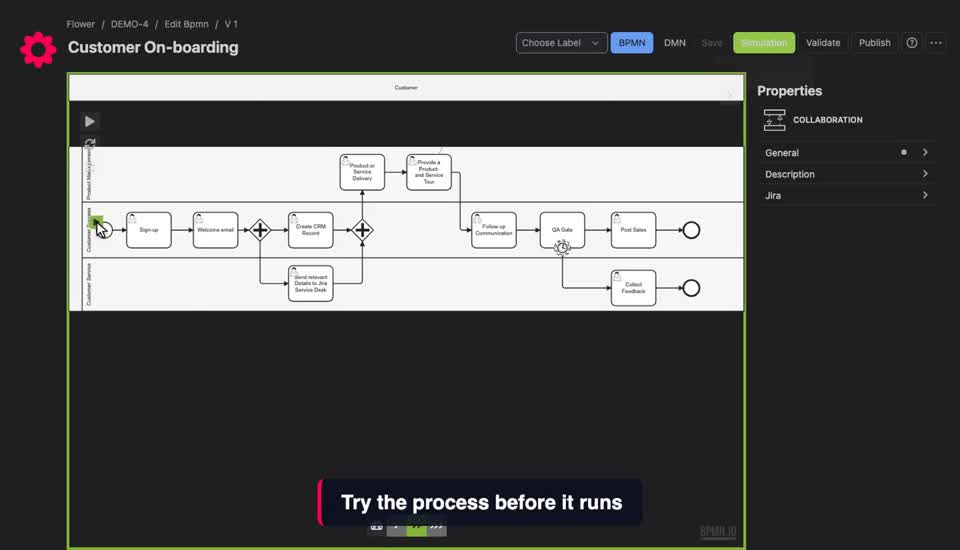
Get StartedThe token simulation runs through a process in the Flower modelerOn the page Get Started with Modelling
Last updated on