
Business Process Automation for Insurance Companies in Jira
In short: Insurers run long, repeatable processes across several departments: quoting, underwriting, policy changes, renewals, and claims. With Flower, teams model these processes in BPMN and run them in Jira. Each activity is a Jira work item, swimlanes assign the work to the right team, and Jira Service Management can serve as the customer portal.
Last updated: October 2026
Insurance Processes That Fit Flower
| Process | What Flower does |
|---|---|
| Quoting and underwriting | Collects the application data, runs checks in parallel, and routes complex cases to specialists for approval. |
| Policy lifecycle | Handles endorsements, mid-term changes, renewals, and cancellations as repeatable processes. |
| Claims handling | Guides a claim from the first loss report through validation, fraud checks, and settlement. |
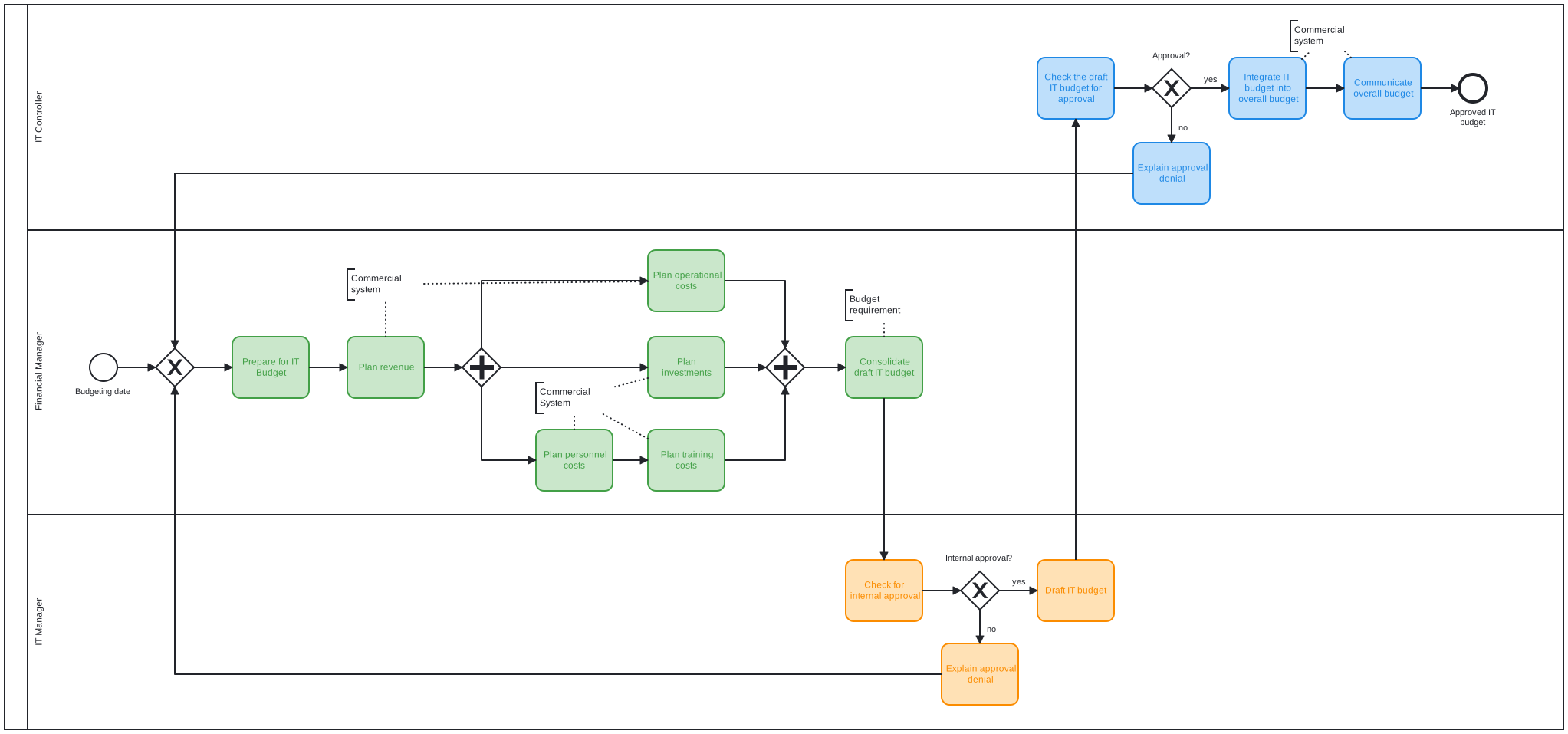
| Internal approvals and reviews | Runs approval, review, and double-checking steps with clear responsibilities. |
| Orchestration across teams and systems | Coordinates front office, back office, and external partners. |
Quoting and Sales Enablement
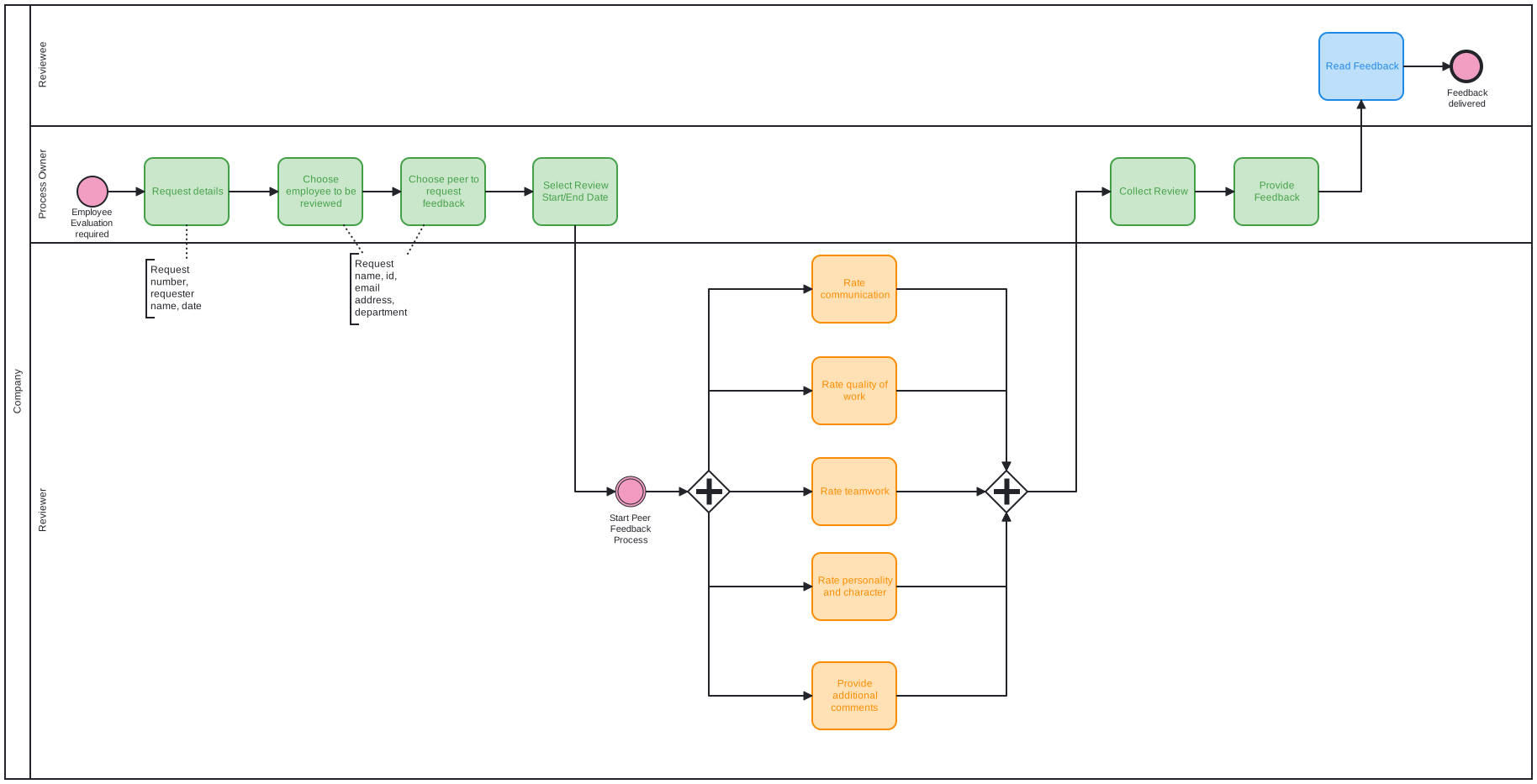
A faster quote wins customers. Model the quoting process in BPMN: the request arrives (for example through a Jira Service Management portal), data is checked, simple cases continue automatically, and complex cases go to an underwriter. Because Flower creates a Jira work item for each step, everyone sees the status of a quote at any time.
Policy Lifecycle Orchestration
Endorsements, adjustments, renewals, and cancellations follow repeatable steps. Describe each as a process model once, and run it for every policy. Timer events can start the renewal process before the policy expires.
Claims Handling
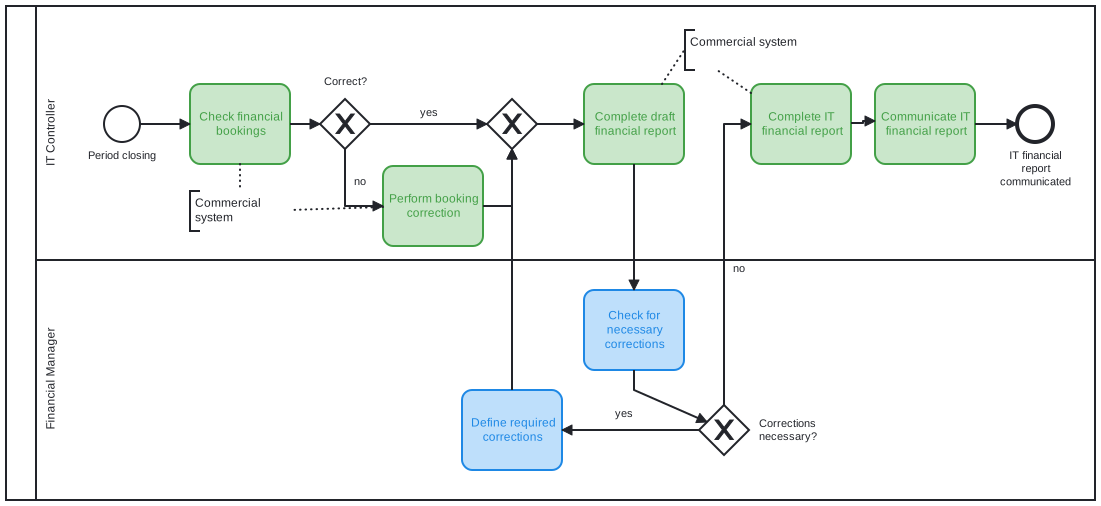
Claims combine standard steps with case-specific decisions. In Flower, a gateway chooses the path based on the data of the claim, for example the amount or a fraud indicator. Parallel branches let assessors, legal, and third parties work at the same time, and a terminate end event closes all open steps when a claim is withdrawn. See BPMN End Events.
Orchestrating People and Systems
Flower orchestrates the human work in Jira. For automated steps, a throw event can call a Jira Automation rule or an external service through a webhook. Use this to connect core insurance systems, document generation, or notification services. See Sync Magic.
Frequently Asked Questions
Can Flower handle claims processes in Jira?
Yes. You model the claim as a BPMN process. Flower creates the work items for each step, assigns them by swimlane, and shows the status in the process diagram.
Does Flower work with Jira Service Management?
Yes. A request type of a service space is connected to a work type. If you map this work type to a process model, every new request starts the process.
Does Flower provide straight-through processing?
Flower coordinates human work and can call other systems through webhooks and Jira Automation. Fully automated processing needs the connected systems to do their part.
About Flower
Flower – Business Process & Workflow Automation (BPMN) for Jira is an app on the Atlassian Marketplace for Jira Cloud and Jira Data Center. It lets you model business processes in BPMN 2.0 and run them in Jira: for every activity of a process, Flower creates a Jira work item, assigns it through swimlanes, shows its status in the process diagram, and continues the process when the work item is resolved. Flower stores all process data in Jira, so your permissions, boards, and reports keep working. Flower is Cloud Fortified and has been on the Atlassian Marketplace for more than ten years.
Start a free 30-day trial on the Atlassian Marketplace or follow the Get Started guide.